Which Reolink Camera Should You Buy? A Guide to a Confusing Range
Affiliate Disclosure: This article contains affiliate links. If you buy through these links, we may earn a commission at no extra cost to you. Our editorial opinions are our own and are not influenced by affiliate relationships. Read our full disclosure policy →
Contents
Quick Answer
Reolink’s catalogue is large and its model numbers are unhelpful, but the range resolves into four questions. Can you run a cable? Buy the RLC-810A, a 4K PoE camera that records continuously, on a schedule or on motion to a card, an NVR or FTP. Is the camera indoors? Buy the E1 Pro. Is there no Wi-Fi where the camera has to go? Buy the Go PT Ultra, which runs on its own 4G connection with a SIM included. And whichever you choose, consider the Home Hub, which stores footage for up to 8 cameras locally and encrypted with no monthly fee — the piece most people add last and should have planned first.
Why the Range Looks Confusing
Reolink sells more camera models than almost anyone at consumer prices, and the naming does not help: RLC, E1, Argus, Go, Duo, Trackmix, each with numeric suffixes that indicate resolution sometimes and generation other times. Shoppers respond by comparing specifications across models that were never alternatives to each other.
The useful way in is to ignore the names and ask what power and network the position has. That single question sorts the entire catalogue into four groups, and within each group the choice is narrow and easy. Everything else — resolution, detection, night vision — is a refinement once you are in the right family.
Four Families, Four Different Problems
Answer These in Order
1
Can you run an Ethernet cable?
Then you are in the PoE family. One cable carries power and data, and continuous recording becomes practical rather than theoretical.
2
Is there mains power but no cable route?
A plug-in Wi-Fi camera, indoors or out. Simpler to install, at the cost of competing for bandwidth.
3
Is there neither power nor a cable?
Battery and solar. This is where the Argus and Go families live, and where sunlight at the mounting position becomes a specification.
4
Is there no Wi-Fi either?
Cellular. The Go PT Ultra runs on its own 4G network with a SIM in the box, which is a different product rather than a variant.
Only after that does the model number matter. If you have already worked out the wiring question, our PoE camera guide covers the wired family in more depth, and our guide to cameras that work without Wi-Fi covers the cellular one.
Reolink RLC-810A — if you can run a cable
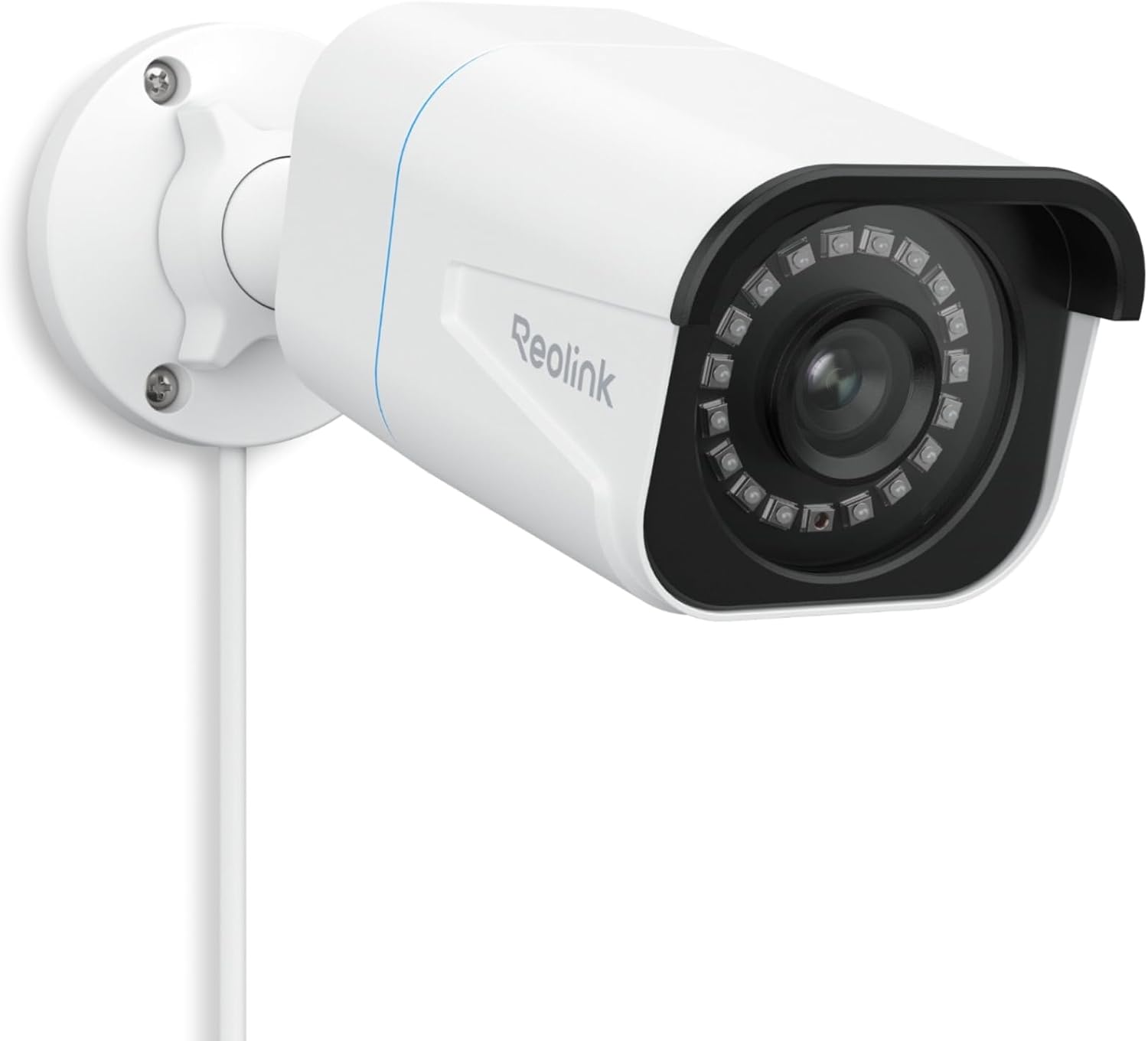
Key specs: 4K PoE camera powered and networked over one Ethernet cable; IP67; 18 infrared LEDs quoted to 100 ft; continuous, scheduled or motion recording to microSD, a Reolink NVR or FTP; supports cards up to 512GB
The RLC-810A is the best camera Reolink makes for the money, provided you can get Ethernet to it. Power and data travel down one cable, so there is no battery and no wireless contention, and Reolink supports continuous, scheduled or motion recording written to a microSD card, a Reolink NVR or an FTP server. It is IP67 rated with 18 infrared LEDs quoted to 100 feet, and supports cards up to 512GB — which Reolink translates into roughly 194 hours of 4K recording. The catch is the obvious one: running the cable is real work, and if it is not realistic in your house this is the wrong family entirely.
✅ Pros
- 4K over a single Ethernet cable
- Genuine continuous recording, not event-only
- IP67 with infrared quoted to 100 ft
- Records to card, NVR or FTP
- Supports microSD cards up to 512GB
❌ Cons
- Requires an Ethernet run and a PoE switch or injector
- Fixed view — no pan or tilt
- Continuous 4K fills storage quickly
Reolink E1 Pro — if the camera is indoors
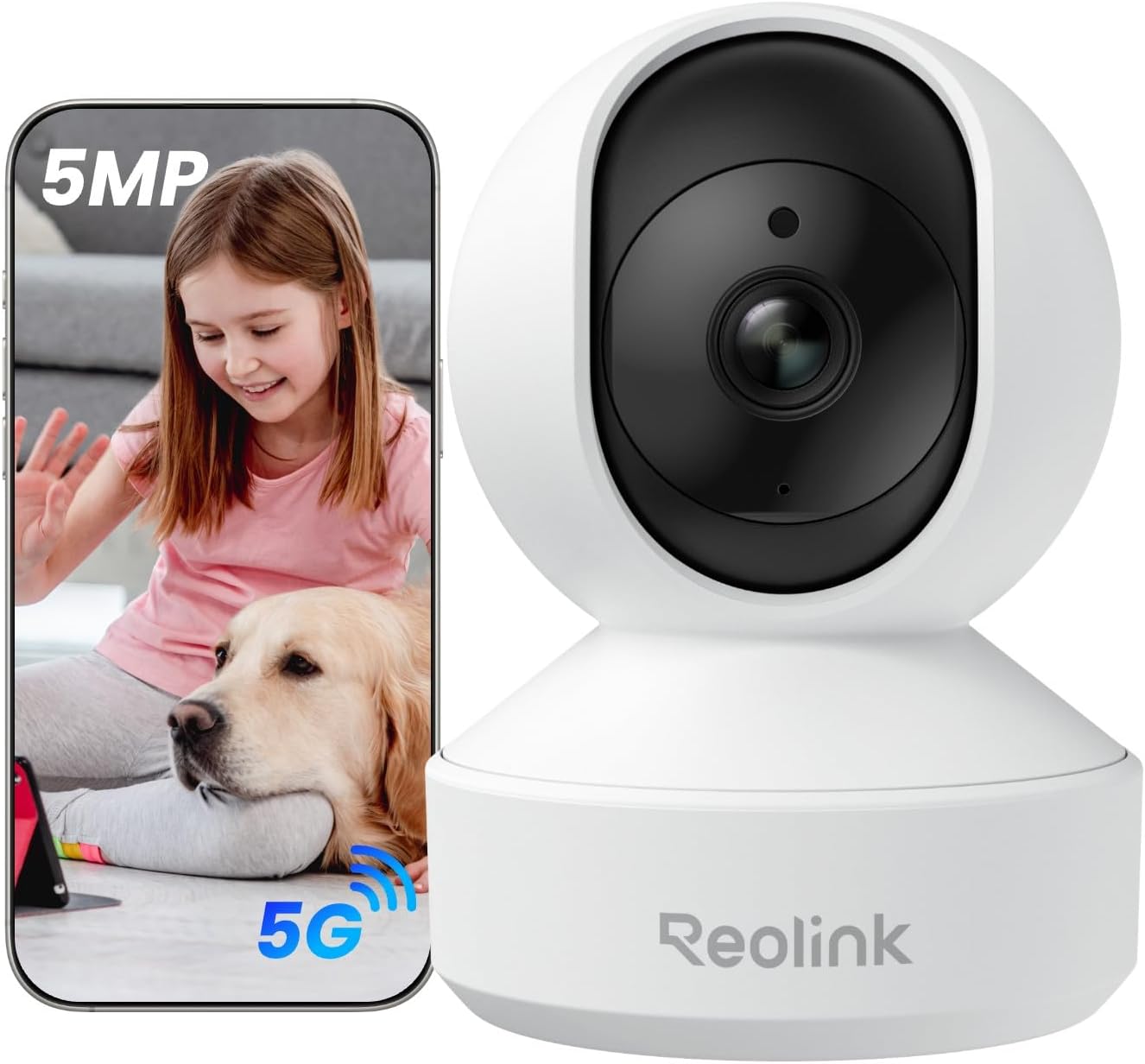
Key specs: 3K 5MP indoor pan and tilt camera on a dual-motor mount for 360-degree room coverage; person, pet and baby-cry detection with auto tracking; dual-band Wi-Fi
Indoors, the priorities invert: range and weatherproofing stop mattering and coverage of a room starts. The E1 Pro answers that with a dual-motor pan-tilt design for full 360-degree coverage, 5MP resolution, and detection that separates people and pets — including crying detection for baby monitoring — with auto tracking that follows movement rather than just alerting on it. Dual-band Wi-Fi is the quiet advantage, since most budget indoor cameras are 2.4GHz only. It is genuinely two products in one for households with a nursery.
✅ Pros
- Dual-motor pan and tilt for 360-degree coverage
- 5MP, more detail than most indoor cameras
- Person, pet and cry detection with auto tracking
- Dual-band Wi-Fi rather than 2.4GHz only
- Doubles as a nursery camera
❌ Cons
- Indoor only
- Tracking motors are audible in a quiet room
- Needs mains power at the position
Reolink Go PT Ultra — if there is no Wi-Fi at all
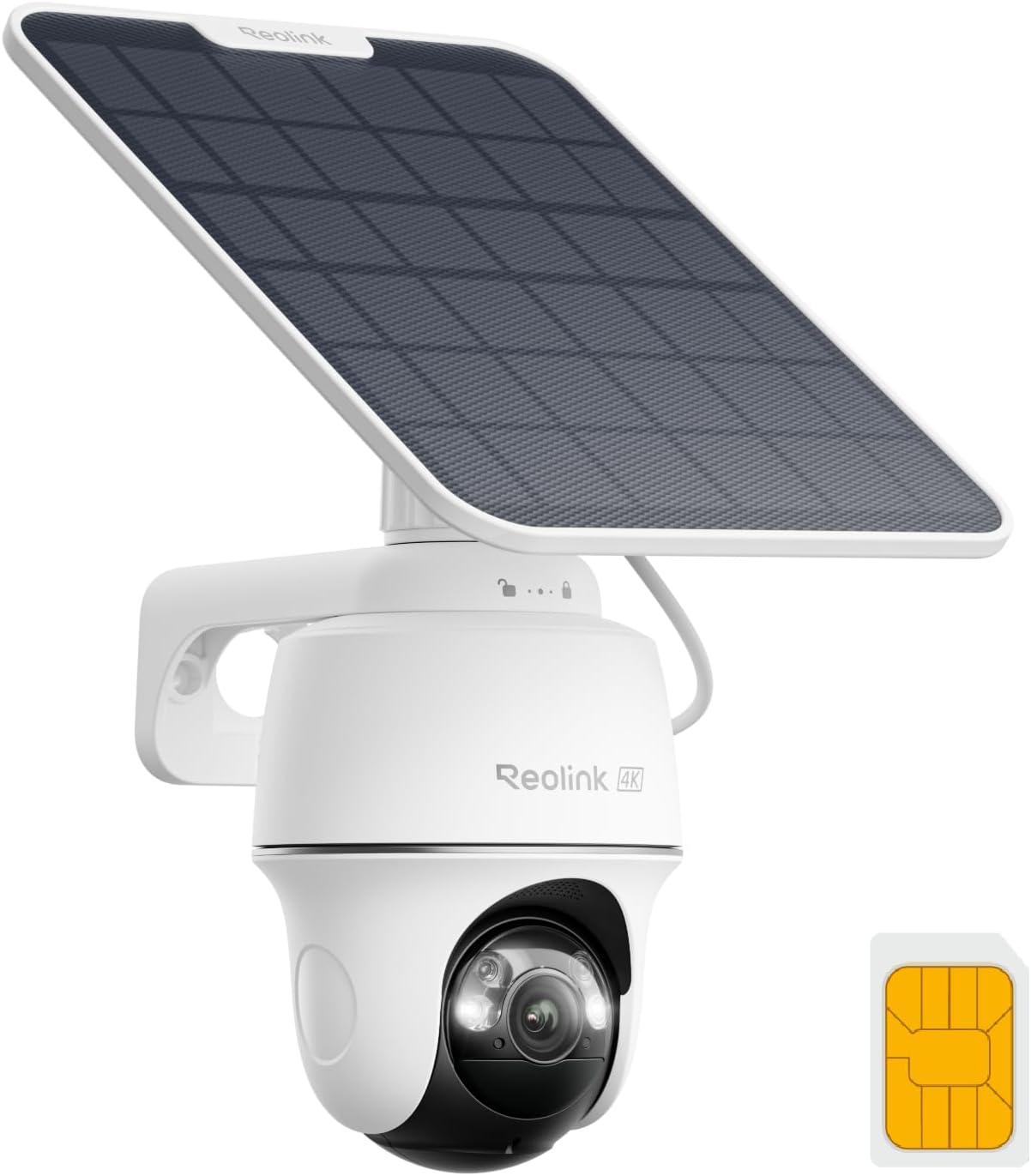
Key specs: 4K 8MP 4G LTE camera with pan and tilt and color night vision, running on its own cellular connection rather than your Wi-Fi; a SIM is included that connects to the strongest available US network; solar panel keeps it charged
This is the camera for a spot your network does not reach: a gate, a paddock, a building site, a second property. Reolink describes it as running on an independent 4G network with 4K resolution, pan and tilt, and color night vision. The package includes a SIM that automatically connects to the strongest available network from AT&T, Verizon or T-Mobile in the US, and Reolink states that just ten minutes of charging a day from its 6W solar panel is enough to keep the camera running. The trade is a data plan you have to arrange and pay for, which is a recurring cost of a different kind.
✅ Pros
- Runs on 4G, no Wi-Fi needed at the position
- SIM included, connecting to the strongest US network available
- 4K with pan, tilt and color night vision
- Solar panel keeps it charged with minimal daily sun
- Genuinely deployable where nothing else works
❌ Cons
- Needs a cellular data plan, which is an ongoing cost
- Cellular upload limits how much you will stream live
- Not compatible with the Home Hub series
Reolink Home Hub — the part people buy last and should buy first
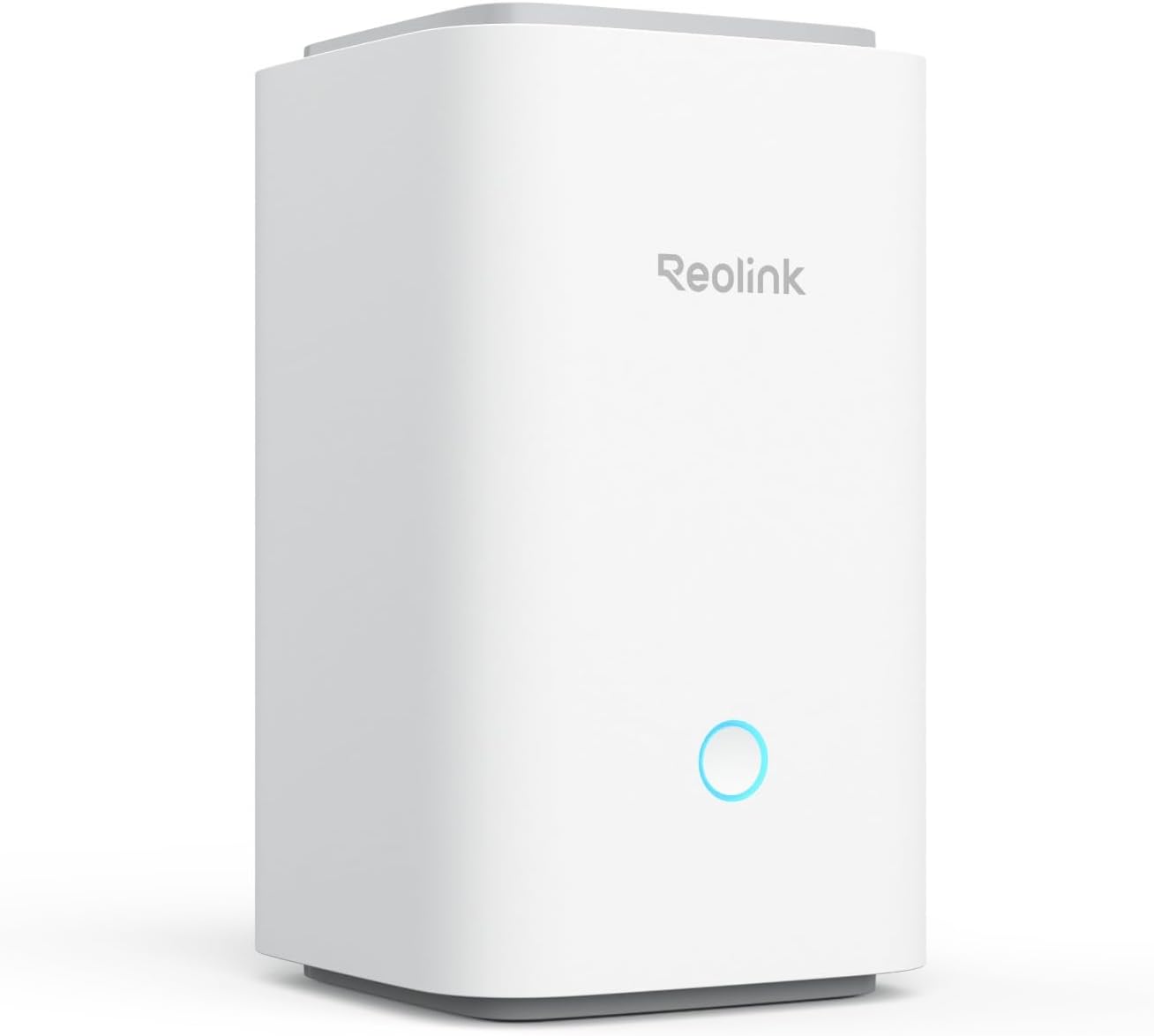
Key specs: Centralized control for up to 8 Reolink cameras at up to 16MP, with encrypted local storage on two microSD cards of up to 1TB each and no monthly fees
Most people buy cameras first and think about storage when a card fills up. Reverse that. The Home Hub gives centralized control of up to 8 Reolink cameras at up to 16MP, with encrypted local storage across two microSD cards of up to 1TB each and no monthly fees. What that actually buys is theft resilience: the footage sits indoors rather than inside the camera on the wall. Planning it from the start also means choosing cameras the hub supports rather than discovering the exclusions later.
✅ Pros
- Up to 8 cameras on one interface
- Encrypted local storage with no monthly fee
- Two microSD cards up to 1TB each
- Supports up to 16MP cameras and Wi-Fi 6
- Footage survives a camera being stolen
❌ Cons
- Not compatible with 2MP battery cameras or 4G cameras
- Another device to power and place
- Card storage is smaller than a hard drive
The Four Side by Side
| Product | Power | Network | Where it belongs |
|---|
| RLC-810A | PoE, over the data cable | Wired Ethernet | Any position you can reach with a cable |
| E1 Pro | Mains | Dual-band Wi-Fi | Indoors, watching a whole room |
| Go PT Ultra | Battery and solar | 4G LTE, SIM included | Anywhere with no Wi-Fi |
| Home Hub | Mains | Your home network | Indoors, holding everything else’s footage |
The Compatibility Line to Read First
Reolink publishes one sentence that decides whether your intended combination works, and it is easy to miss: the Home Hub series is compatible with all Reolink PoE cameras, plug-in Wi-Fi cameras and most recently released battery Wi-Fi cameras — but not with 2MP battery cameras or 4G cameras.
That has a specific consequence for the lineup above. The Go PT Ultra is a 4G camera, so it does not join the Home Hub. If you were planning a single hub holding everything including the remote camera, that plan does not work — the cellular camera manages its own storage instead. It is not a fault, it follows from the camera being designed for places your network does not reach, but it is far better discovered now than after two purchases. Our guide to the Home Hub and Home Hub Pro covers the storage side in detail, and our storage decision guide covers the brand-agnostic version of the same question.
Final Recommendation
Start with the RLC-810A if a cable route exists. It is the strongest value in Reolink’s range: 4K, weatherproof, infrared to a quoted 100 feet, and the only family here where continuous recording is genuinely practical. Pair it with a Home Hub from the outset rather than as an afterthought, so footage lives indoors and encrypted with no monthly fee.
Two positions change that. Indoors, buy the E1 Pro — pan, tilt, 5MP and dual-band Wi-Fi cover a room in a way a fixed outdoor camera cannot. Somewhere with no network at all, buy the Go PT Ultra and budget for a data plan, accepting that it will not join the hub. What should send you outside Reolink entirely is wanting a monitored alarm rather than cameras: this is a camera company, and our DIY alarm system guide covers that need. If it is a single no-subscription outdoor camera you are after rather than a system, our deep dive on the Argus PT Solar covers that model specifically, and the Reolink doorbell guide covers the front door.
SafeBode does not yet run an in-house product testing program. This guide is built from manufacturer specifications, official support documentation, current retail listings and verified buyer feedback rather than hands-on testing, and we say so plainly rather than implying testing we have not done.
Frequently Asked Questions
Which Reolink camera is best?
For most positions with a cable route, the PoE models are the strongest value because they remove batteries and Wi-Fi contention at once. The right answer genuinely depends on what power and network the mounting position has rather than on which model has the highest specification.
What is the difference between Reolink’s RLC, E1, Argus and Go ranges?
Roughly: RLC is wired PoE, E1 is indoor Wi-Fi, Argus is battery and solar outdoor, and Go is cellular for places with no Wi-Fi. Sorting by that first makes the model numbers much easier to read.
Do Reolink cameras need a subscription?
Not for recording. They record locally to a card, an NVR, an FTP server or a Home Hub, and cloud plans are optional. The exception is a cellular camera, which needs a data plan to reach the network at all.
Can I mix PoE and battery Reolink cameras?
Yes, and many households do. Check the Home Hub compatibility line before assuming they will all share storage, because 2MP battery cameras and 4G cameras are excluded from the hub.
Does the Go PT Ultra work with the Home Hub?
No. Reolink lists 4G cameras as outside the Home Hub series’ compatibility, so a cellular camera manages its own storage rather than feeding the hub.
How much sun does the solar panel need?
Reolink states that about ten minutes of charging a day from its 6W panel is enough to keep the Go PT Ultra running, with the panel angled toward the sun. A shaded or north-facing position will not deliver that.
Do I need an NVR to use Reolink cameras?
No. A card in the camera works, and a Home Hub is the middle option. An NVR earns its place when you want continuous recording across several cameras and a long history.
Is 4K worth it on a Reolink camera?
On a driveway or a wide approach where you expect to enlarge playback, yes. Indoors or at a doorstep the subject is already close enough that lower resolution captures what you need, and the storage cost of 4K is substantial.
Sources
Show sources (4)


