Best Smart Locks for Google Home 2026: What Matter Changed and What It Did Not
Affiliate Disclosure: This article contains affiliate links. If you buy through these links, we may earn a commission at no extra cost to you. Our editorial opinions are our own and are not influenced by affiliate relationships. Read our full disclosure policy →
Contents
Quick Answer
Matter made this decision easier than it used to be: it is an IP-based connectivity standard from the Connectivity Standards Alliance intended as a seal of approval that devices work reliably together, with consistent local connectivity. That means you are no longer restricted to Google’s own lock. For most households the Google Nest x Yale Lock is still the safe default because it has the longest track record in this ecosystem. If you want the newer standard and the widest platform support, the ULTRALOQ Bolt SE with Matter over Thread is the better-proven Matter option.
What Matter Actually Changed
For years, buying a smart lock for a Google household meant checking a compatibility list and hoping. Matter was designed to end that. The Connectivity Standards Alliance describes it as one protocol to connect compatible devices and systems with one another, an industry-unifying standard built on Internet Protocol that enables communication across smart home devices, mobile apps and cloud services.
The phrase the CSA uses that matters most to a buyer is that Matter is a seal of approval saying smart devices work reliably together, taking the guesswork out of the purchasing process. In practice that means a Matter-certified lock should work with Google Home without you researching whether that particular model was ever blessed.
It is worth being precise about what that does and does not promise. Matter covers connectivity and basic control – lock, unlock, status. It does not standardize every manufacturer feature, so things like fingerprint enrollment, auto-unlock and detailed access logs typically still live in the manufacturer’s own app. Google’s own guidance on connecting third-party devices in the Google Home app reflects that division.
For a model-by-model example of these platform differences, our Aqara smart lock guide separates hub requirements, Matter support and Apple Home Key compatibility.
What you get through Google Home, and what stays in the maker’s app
Through Google Home
- Lock and unlock by voice or in the app
- Current lock status at a glance
- Inclusion in routines and automations
- Control alongside your other Google-connected devices
Usually still the maker’s app
- Creating, scheduling and revoking user codes
- Enrolling fingerprints where the lock has a reader
- Detailed access history of who entered when
- Firmware updates and low-battery detail
Thread, Wi-Fi and Why the Radio Matters
Matter runs over more than one underlying radio, and which one a lock uses has practical consequences for battery life and reliability. The CSA describes Matter as built upon Internet Protocol, defining a specific set of IP-based networking technologies, with a stated emphasis on consistent and responsive local connectivity.
A Wi-Fi lock talks straight to your router and needs no extra hardware, which is the simplest setup. A Thread lock joins a low-power mesh and needs a Thread border router – which many current Google and other smart-home hubs provide – and in exchange typically uses less power and responds faster locally. The ULTRALOQ in this guide supports Matter over Thread while also being a Wi-Fi lock, which is the flexible combination.
The practical implication is worth stating plainly: if you have no Thread border router in the house, a Thread-only lock will not connect, and that is the single most common compatibility surprise in this category. Check what your existing hub actually provides before buying on the strength of a Matter logo. Our guide to Z-Wave versus Zigbee covers the underlying protocol question in more depth.
The Four Locks Side by Side
| Lock | Connectivity | Entry methods | Track record | Best for |
|---|
| Google Nest x Yale | Google’s own integration | Keypad, app | Longest in this ecosystem, largest review base | A Google household that wants the proven option |
| ULTRALOQ Bolt SE | Wi-Fi plus Matter over Thread | App, code | Substantial review base for a Matter lock | Households that may not stay on Google forever |
| Yale with Google Matter | Matter | Keypad, app, physical key | Newer listing, small review base | Wanting a key override alongside Matter |
| Yale Code Keypad Deadbolt | Keypad-led | Code entry | Established Yale hardware | Households that want codes more than an app |
Google Nest x Yale Lock — the safe default
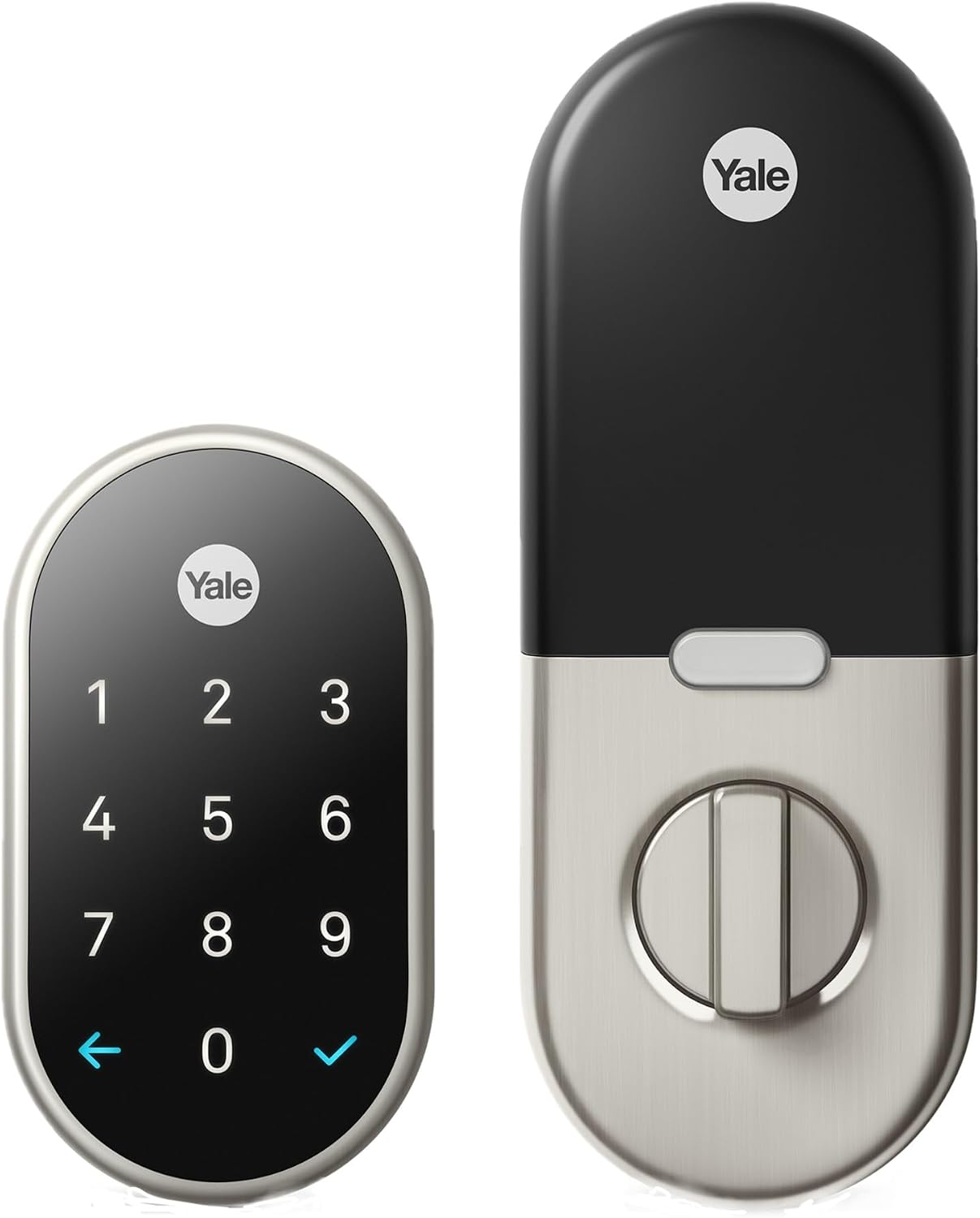
Key specs: Keypad deadbolt built as Google’s own lock partnership; tamper-proof keyless entry with a passcode keypad; the longest-established option for a Google Home household and by a wide margin the most-reviewed lock in this group
If your house runs on Google and you want the option least likely to produce a support conversation, this is it. It is the lock Google itself partnered on, it has been in this ecosystem longer than anything else here, and its review base dwarfs the newer Matter entries – which for a device you rely on to get into your house is a meaningful signal. It is a keypad deadbolt, so household members who do not want an app on their phone can still use it, and that matters more in practice than any protocol argument. The honest limitation is that its integration is Google-shaped rather than standard-shaped: if you later move to a different platform, you are more exposed than you would be with a Matter lock.
✅ Pros
- Longest track record in the Google ecosystem
- By far the largest review base of these four
- Keypad entry works for people who will not use an app
- Designed around the Google Home experience rather than adapted to it
❌ Cons
- Tied more closely to Google than a Matter lock would be
- Less useful if you switch smart-home platforms later
- No published BHMA certification in the listing
- Feature management still happens in the manufacturer’s app
ULTRALOQ Bolt SE Wi-Fi Smart Lock — best Matter option
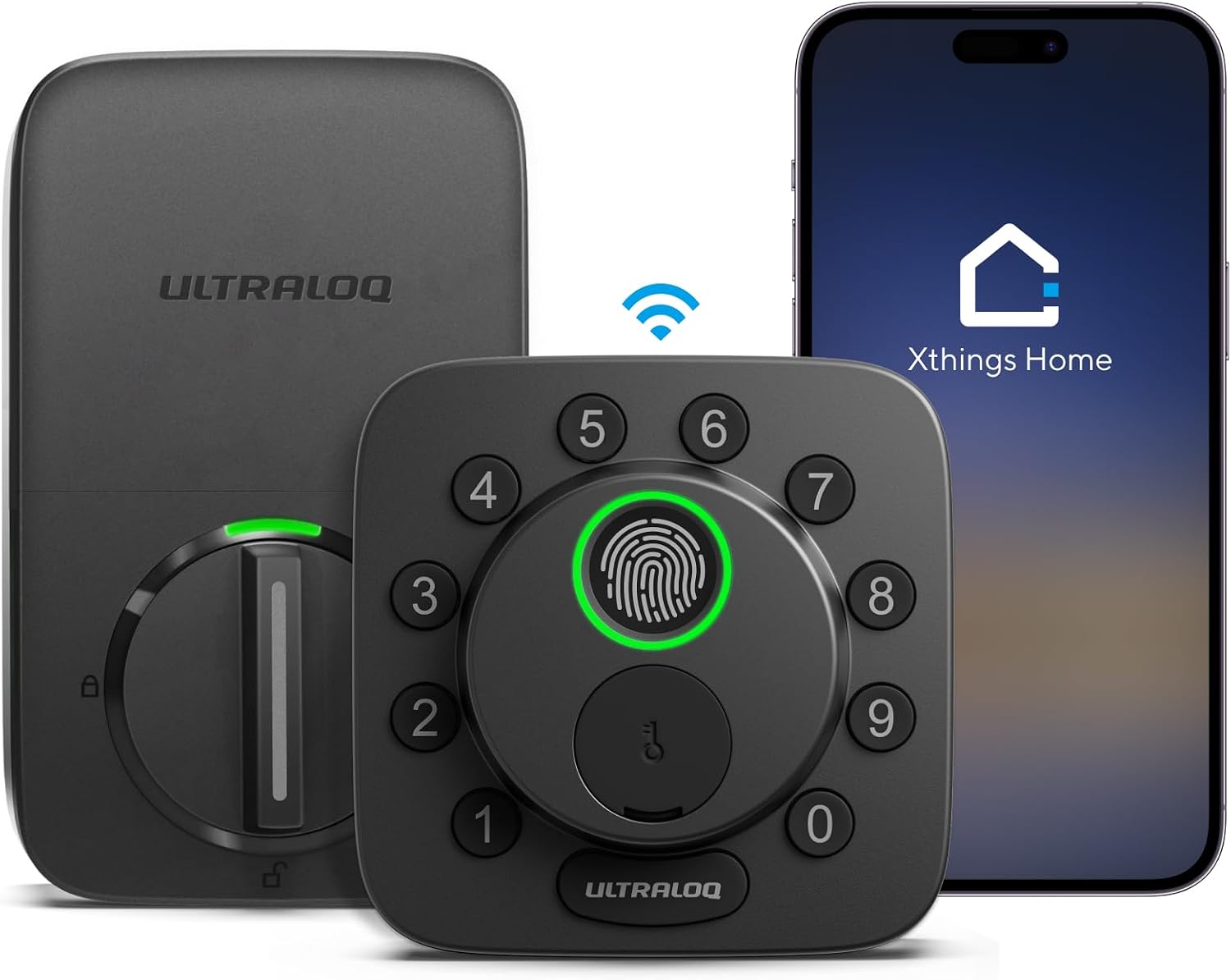
Key specs: Wi-Fi deadbolt supporting Matter over Thread with app remote access; listed as working across major smart home platforms rather than a single one; the largest review base of any Matter lock in this comparison
This is the pick if you want the standard rather than the partnership. It is a Wi-Fi deadbolt supporting Matter over Thread, listed as working across major smart home platforms rather than one – which is exactly the outcome Matter was designed to produce, and the CSA’s stated point about taking the guesswork out of purchasing. Among the Matter locks here it also has substantially the largest review base, which matters because Matter locks as a category are new enough that long-term evidence is thin. Supporting both Wi-Fi and Thread is the flexible choice: it works without a Thread border router and takes advantage of one if you have it.
✅ Pros
- Matter over Thread plus Wi-Fi – works either way
- Not tied to a single smart home platform
- Largest review base of the Matter locks here
- App remote access without needing a proprietary hub
❌ Cons
- Thread benefits need a border router you may not have
- Matter covers control, not every manufacturer feature
- No published BHMA certification in the listing
- Wi-Fi locks generally use more battery than Thread-only ones
Yale Keyed Deadbolt Smart Lock with Google Matter — newest, and least proven
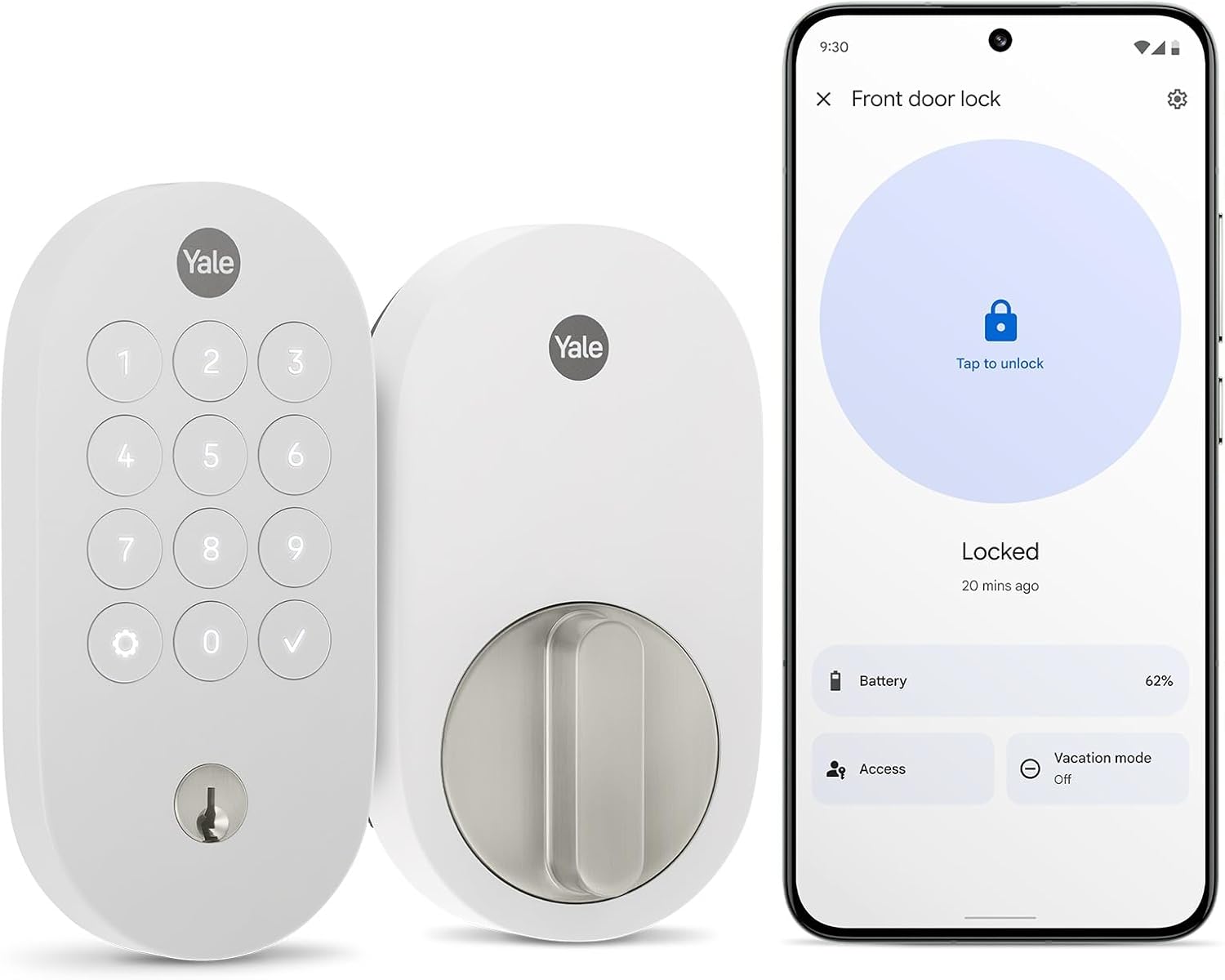
Key specs: Yale deadbolt sold specifically with Google Matter support and a physical key override; snow finish; a newer listing with a correspondingly small review base, which we flag rather than gloss over
Yale selling a deadbolt explicitly badged with Google Matter support is a useful signal about where the category is heading, and the physical key override is a genuine practical advantage – a lock you can still open when the electronics or the network fail is a lock that cannot lock you out. Being straightforward about the caveat: this is a newer listing with a small number of ratings behind it, and its rating is lower than the established options here. We are including it because the key override plus Matter combination is real and some readers specifically want it, not because we think it has proven itself yet.
✅ Pros
- Matter support from an established lock manufacturer
- Physical key override – no lockout if electronics fail
- Not tied to one smart home platform
- Straightforward deadbolt form factor
❌ Cons
- Small review base and a lower rating than the alternatives
- Least long-term evidence of the four
- A keyway is one more physical attack surface
- No published BHMA certification in the listing
Yale Code Keypad Deadbolt — when the keypad matters more than the app
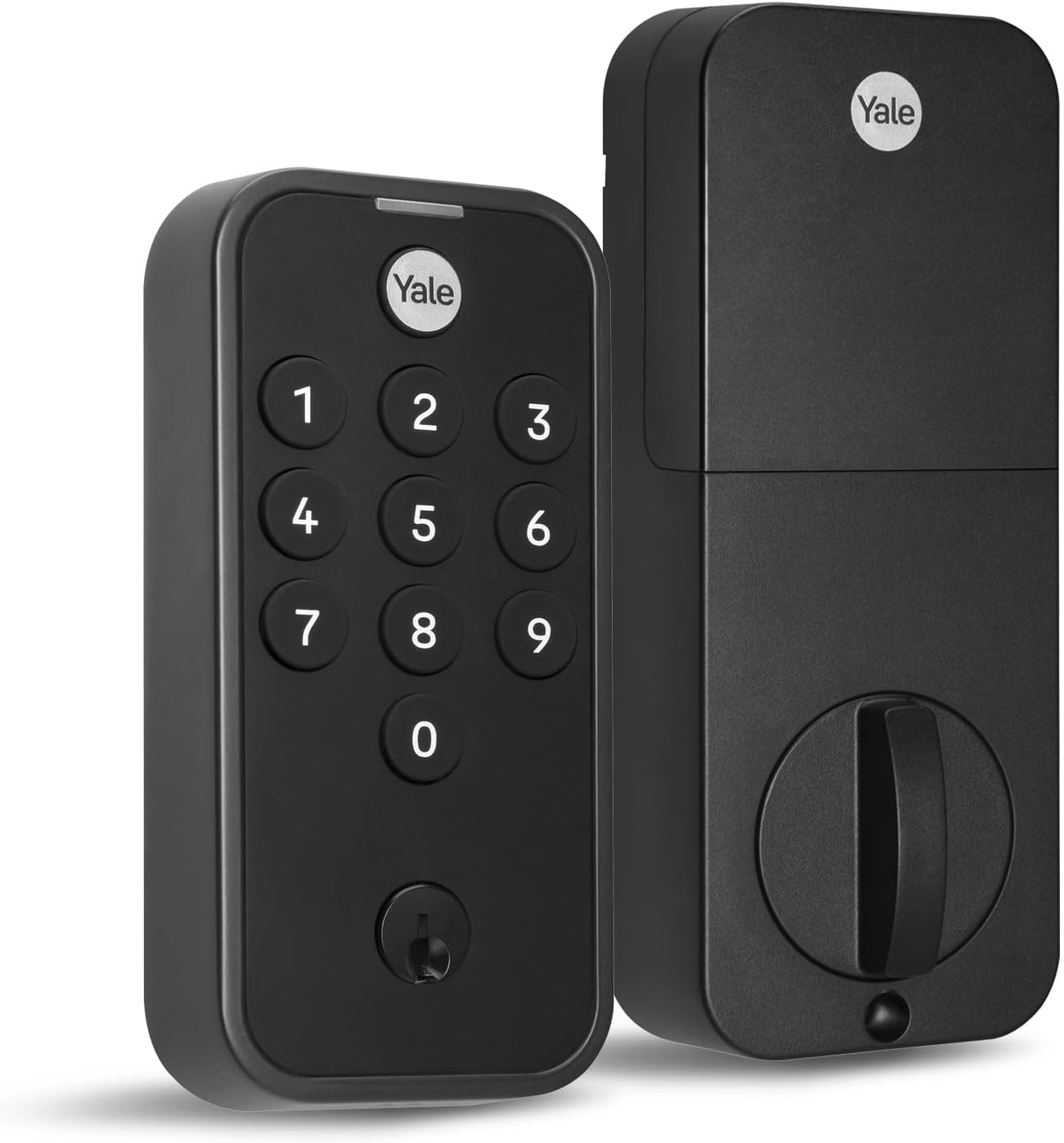
Key specs: Keypad deadbolt for keyless front door entry in a black suede finish; the code-first option in Yale’s current range for households that want the keypad more than the app
Worth including because a meaningful number of people shopping for a smart lock actually want a keypad, and the smart-home integration is a secondary consideration they will use twice. This is a straightforward keypad deadbolt for keyless entry from an established lock manufacturer. If nobody in the household is going to open an app to unlock the door, buying the deepest integration is money spent on a feature that will not get used – and a code-first lock removes the failure modes that come with a network dependency. Our %s covers this whole category if that describes you.
✅ Pros
- Keypad entry that everyone in a household can use
- Fewer moving parts than a fully connected lock
- Established manufacturer hardware
- No dependence on your network being up
❌ Cons
- Less smart-home integration than the other three
- No remote lock or unlock
- No access log to review
- No published BHMA certification in the listing
Judge the Bolt Before the Integration
Every lock in this guide is a deadbolt with electronics attached, and the electronics are not what an intruder is up against. It is worth checking the hardware standard before the app store reviews.
Residential deadbolts are covered by ANSI/BHMA A156.40, which sets durability, security and finish requirements, and the testing is substantial – BHMA describes seventeen aggressive security tests including one that loads the door against the deadbolt with 1,350 lb of force, and notes that a Grade A residential dead latch must survive 400,000 cycles. Residential hardware also carries the BHMA Certified Secure Home label, rating a lock on Security, Durability and Finish rather than one overall number.
None of the four listings above publish a BHMA certification, which is worth knowing and is not the same as failing one. If third-party certification is your deciding criterion, that narrows this category considerably and our guide to ANSI and BHMA lock grades explains how to read the ratings. Whatever you buy, the frame matters as much as the bolt – our deadbolt installation walkthrough covers the installation side.
Whatever You Buy, Change the Code
Every keypad lock ships with a factory code and will let you keep it indefinitely. The federal guidance on memorized secrets is direct about why that is a problem: NIST tells verifiers to compare prospective secrets against a blocklist of commonly-used, expected and compromised values and reject them, because unprompted choices cluster hard.
NIST also recommends rate-limiting to throttle repeated failed attempts, which on a door lock is a lockout after a number of wrong entries. Where a lock does not do that for you, the code itself has to carry more weight – avoid house numbers, birth years, repeated digits and simple runs, and rotate occasionally even when nothing has happened.
Code hygiene on a smart lock
Change it
The factory code is the single most common weakness
No dates
House numbers and birth years are the first things tried
Watch wear
On a physical keypad, four worn keys narrow the guess space
Revoke
Delete guest codes when the guest stops needing them
The last one is where connected locks genuinely earn their place – revoking a code remotely is something a keypad-only lock cannot do.
What Google Home Integration Will Not Do
It will not manage your codes for you. Creating, scheduling and revoking user codes generally still happens in the lock manufacturer’s own app, and Google’s guidance on connecting third-party devices reflects that split. Expect two apps, not one.
It will not survive a network outage. Voice control and remote access both depend on connectivity. A keypad still works, and a physical key still works on locks that have one – which is the strongest practical argument for keeping a keyway.
It will not make a weak door strong. A certified deadbolt in a hollow frame with short screws fails at the frame, not the bolt. If your door has glass near the lock, our piece on single versus double cylinder deadbolts is a more consequential read than any of this. And if the app is the part you do not actually want, our keypad lock comparison covers locks that skip it entirely.
Final Recommendation
Buy the Google Nest x Yale Lock if your household is committed to Google, and the ULTRALOQ Bolt SE if you would rather bet on the standard than the partnership. That is genuinely the whole decision. The Nest x Yale has the longest track record in this ecosystem and much the largest review base, which for a device that controls access to your house is worth more than a newer feature list.
The ULTRALOQ is the better choice if there is any chance you will change platforms, because Matter is explicitly designed so devices work across ecosystems rather than within one, and supporting both Wi-Fi and Thread means it works with or without a Thread border router. Take the Yale with Google Matter only if a physical key override is a requirement and you accept a thin review base, and the Yale Code if the keypad is the point and the integration is not.
What would change this: check whether you actually have a Thread border router before buying anything sold on Thread support, because a Thread-only lock without one simply will not connect. And if nobody in the house will use an app to unlock the door, do not buy integration at all – a keypad lock does the job with fewer failure modes, and the money is better spent on the door and frame the bolt throws into.
SafeBode does not yet run an in-house product testing program. This guide is built from manufacturer specifications, official support documentation, current retail listings and verified buyer feedback rather than hands-on testing, and we say so plainly rather than implying testing we have not done.
Frequently Asked Questions
Do I need a Matter lock to use a smart lock with Google Home?
No. Google’s own partnered lock predates Matter and works well. Matter’s advantage is that a certified device should work across ecosystems rather than only one, which matters if you might change platforms later.
What is Thread and do I need it?
Thread is a low-power mesh network Matter can run over. It generally means better battery life and faster local response, but it requires a Thread border router in your home. A Thread-only lock without one will not connect at all.
Can I manage user codes from the Google Home app?
Usually not. Matter and Google Home cover lock, unlock and status; creating, scheduling and revoking codes typically stays in the lock manufacturer’s own app. Expect to have both installed.
What happens if my internet goes down?
Voice control and remote access stop. The keypad still works, and on locks with a keyway the physical key still works. That is the strongest argument for keeping a key override rather than going fully keyless.
Are any of these BHMA certified?
None of the four listings publish a BHMA certification, which is not the same as failing one. If third-party testing for security, durability and finish is your deciding factor, that narrows the category considerably and is worth checking before you buy.
Should I change the factory code?
Yes, immediately. Federal guidance on memorized secrets is explicit that commonly-used and expected values should be rejected outright, and a factory default is the most expected value there is. Avoid house numbers, birth years and simple runs.
Is a Wi-Fi lock or a Thread lock better?
Wi-Fi is simpler because it needs no extra hardware; Thread generally uses less power and responds faster locally but needs a border router. A lock supporting both is the flexible answer, which is why the Matter-over-Thread plus Wi-Fi option is the pick here.
Will a smart lock make my door more secure?
Only if the deadbolt and the frame are sound. The electronics change how you authenticate, not how the door resists force. Long screws into the stud and a reinforced strike plate do more for most doors than any connectivity feature.
Sources
Show sources (5)


