Best Battery-Powered Security Cameras 2026: What Determines Battery Life
Affiliate Disclosure: This article contains affiliate links. If you buy through these links, we may earn a commission at no extra cost to you. Our editorial opinions are our own and are not influenced by affiliate relationships. Read our full disclosure policy →
Contents
Quick Answer
Battery life on the box is a best case, not a promise — TP-Link rates the Tapo C403 at up to 180 days per charge and says in the same breath that actual life varies with settings, usage, router and environment. What really sets runtime is how often the camera wakes up, which you control through placement and sensitivity. For most homes the aosu 2K two-camera kit is the sensible buy: two angles covered, local storage, no subscription. Renters who cannot drill should look at the magnetic-mount pick instead, and anyone in a genuinely cold climate should read the cold-weather section before ordering anything.
Why Two Identical Cameras Give Wildly Different Battery Life
Two neighbors buy the same camera. One recharges twice a year, the other every three weeks. Neither got a defective unit. The difference is how many times a day the camera woke up, and that is mostly a function of where it points.
TP-Link’s own guidance on extending battery life is the clearest published explanation of this. It tells owners to lower wake-up sensitivity, since higher sensitivity means easier wake-ups and more recordings, which reduces battery life; to adjust the installation position so the camera is not woken too often; and specifically to avoid pointing a camera at swaying trees, busy streets, street lamps or direct sunlight. It also recommends mounting roughly 7 to 10 feet above the ground, angled downward.
The subtler point in that same documentation is worth reading twice: even when the camera’s AI filters an event out as invalid, the detection process still ran before the decision was made, and that detection activity consumes energy. In other words, smart filtering saves you notifications, not battery. A camera facing a busy road is doing constant work whether or not it sends you anything.
The Five Settings That Actually Move Battery Life
Sensitivity
Higher wake-up sensitivity means more wake-ups and shorter life
Aim
Trees, traffic, street lamps and sun all trigger needless wake-ups
Night vision
Reducing night-vision viewing distance cuts drain
Frame rate
A lower frame rate costs little in usefulness and saves real power
Retrigger gap
Longer intervals between clips stop one event recording ten times
Adjust these on day one rather than after the first disappointing recharge. Placement is worth more than any of the in-app settings.
This is why our camera placement guide matters more for battery cameras than for wired ones. On a wired camera, a badly aimed camera costs you false alerts. On a battery camera it costs you the camera being dead when you need it. If birds are what keep waking yours up, our guide to stopping bird recordings covers the zone and position fixes.
Three Battery Strategies, Not One
“Battery-powered” covers three genuinely different arrangements, and the right one depends less on the camera than on how you want to spend your time.
| Built-in rechargeable | Replaceable cells | Battery plus solar |
|---|
| What you do | Take the camera down and charge it, or plug in a cable | Swap cells when they die | Nothing, if the panel gets enough sun |
| Typical interval | Weeks to months, depending on wake-ups | Long — replaceable lithium cells last through many cycles | Indefinite in good conditions |
| Cost over time | None beyond electricity | Ongoing cost of cells | None after the panel |
| Cold weather | Runtime shortens as temperature drops | Lithium holds up far better than alkaline in the cold | Short winter days cut charging exactly when drain rises |
| Main annoyance | Downtime while the camera charges | Remembering to keep spares | Finding a mounting spot with real sun |
None of the three is best in the abstract. A camera over a back gate that triggers twice a week will run for months on any of them. A camera pointed at a driveway on a busy street will struggle on all three, which is a signal to run power to that position instead — our camera system guide covers the wired and hub-based options for spots that earn a permanent install. If solar appeals, solar cameras are covered separately, and the Blink lineup is the best-known example of the replaceable-cell approach.
aosu 2K Battery Camera 2-Cam Kit — best overall
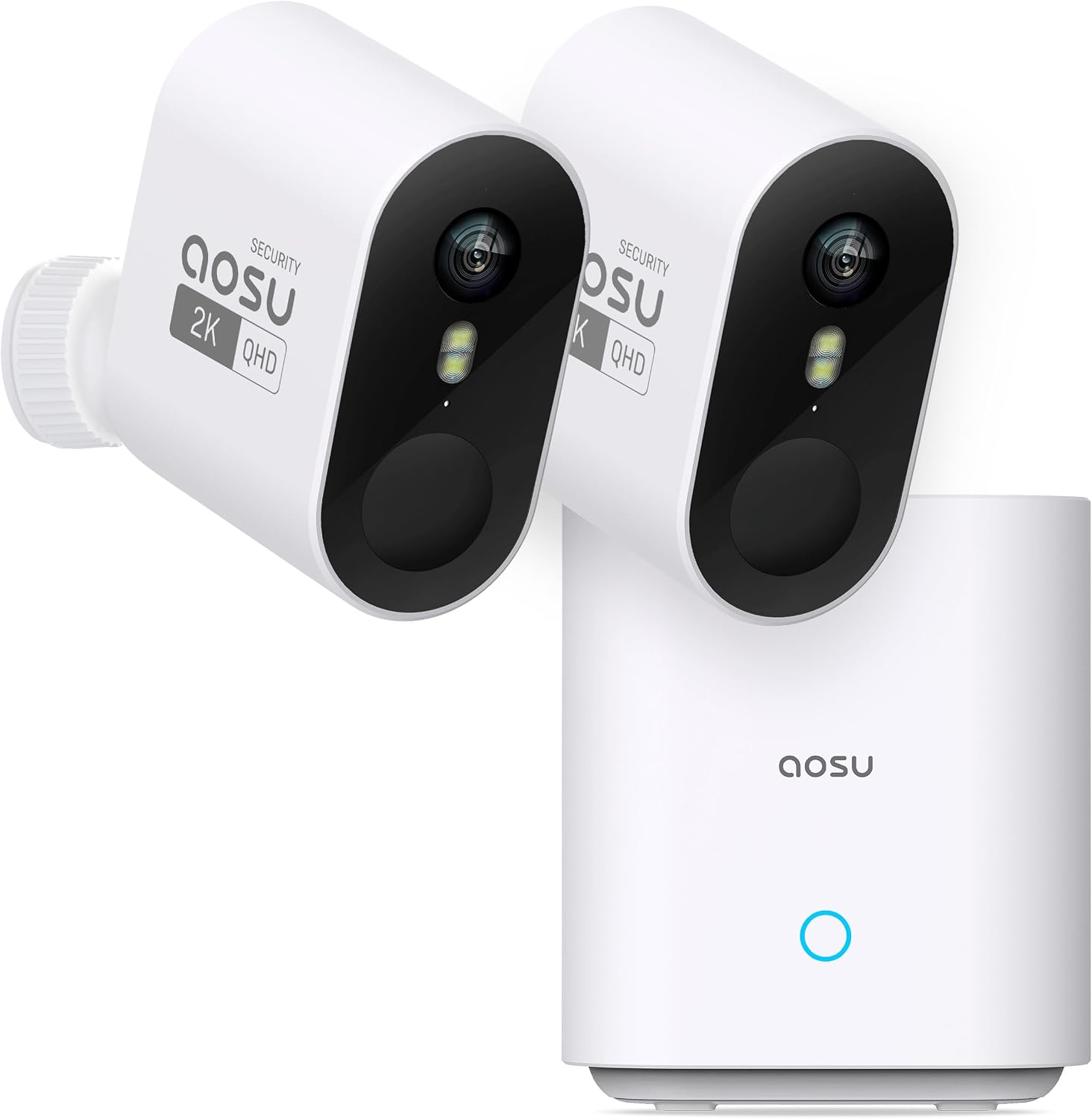
Key specs: Two-camera battery kit; 2K QHD with color night vision; 166-degree wide view; spotlight and siren; local storage with no subscription required
Two cameras rather than one is the right starting point for most homes, because a single battery camera almost always ends up covering the front door while the back stays blind. This kit is 2K with a 166-degree field of view — wide enough that one camera can watch a door and the approach to it — with a spotlight and siren for deterrence rather than just observation, and local storage that does not require a subscription. It is a Wi-Fi camera, so signal at the mounting spot decides whether clips actually arrive; it is worth testing that before you mount. Set the retrigger interval generously on both cameras and this is a system you touch a few times a year.
✅ Pros
- Two cameras out of the box, so you cover two approaches instead of one
- Local storage with no subscription required for basic recording
- 166-degree view is wide enough to cover a door and its approach together
- Spotlight and siren give it a response, not just a record
❌ Cons
- Wi-Fi dependent — a weak signal at the mount costs you clips
- Two cameras mean two recharge cycles to keep track of
- Wide-angle lenses trade detail at distance for coverage up close
- Wall-mounted install still needs screws, so not ideal for a rental
Tapo C403 Outdoor Battery Camera — best runtime per charge
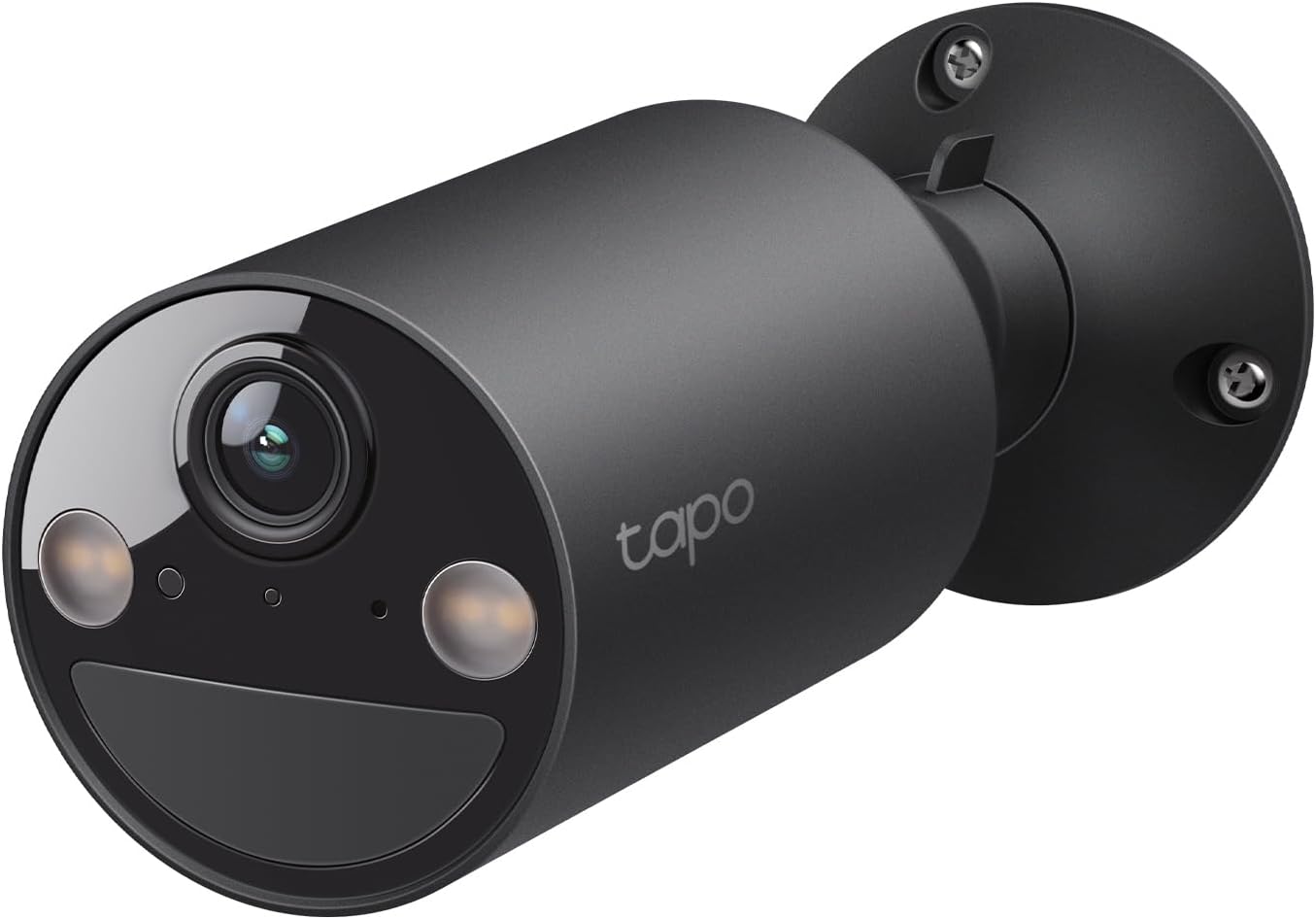
Key specs: 1080p outdoor battery camera rated up to 180 days per charge; free person detection; spotlight color night vision; microSD or optional cloud storage; no hub needed
TP-Link rates this one at up to 180 days of uninterrupted performance on a single charge, and publishes the caveat alongside it: actual battery life varies with device settings, usage, router specifications and environmental factors. That honesty is a point in its favor — the number is achievable in a low-traffic position and nowhere near achievable pointed at a sidewalk. The rest of the specification is unusually clean for the money: person detection with no subscription attached, microSD storage up to 512GB, no hub required, and an IP65 housing rated to operate from roughly minus 4 degrees Fahrenheit up to 113 degrees Fahrenheit. It is 1080p rather than 2K, which is the honest tradeoff for the runtime and the price.
✅ Pros
- Longest published runtime here, at up to 180 days per charge
- Free person detection — no subscription to tell people from headlights
- microSD support up to 512GB, so recordings stay local
- No hub needed, which keeps the setup to one device
❌ Cons
- 1080p, not 2K — less detail to zoom into after the fact
- The 180-day figure assumes a quiet position; TP-Link says as much
- Cold shortens runtime, and the rated floor is around minus 4 degrees Fahrenheit
- Cloud features still sit behind the optional Tapo Care plan
ZUMIMALL Magnetic-Mount Battery Camera — best for renters
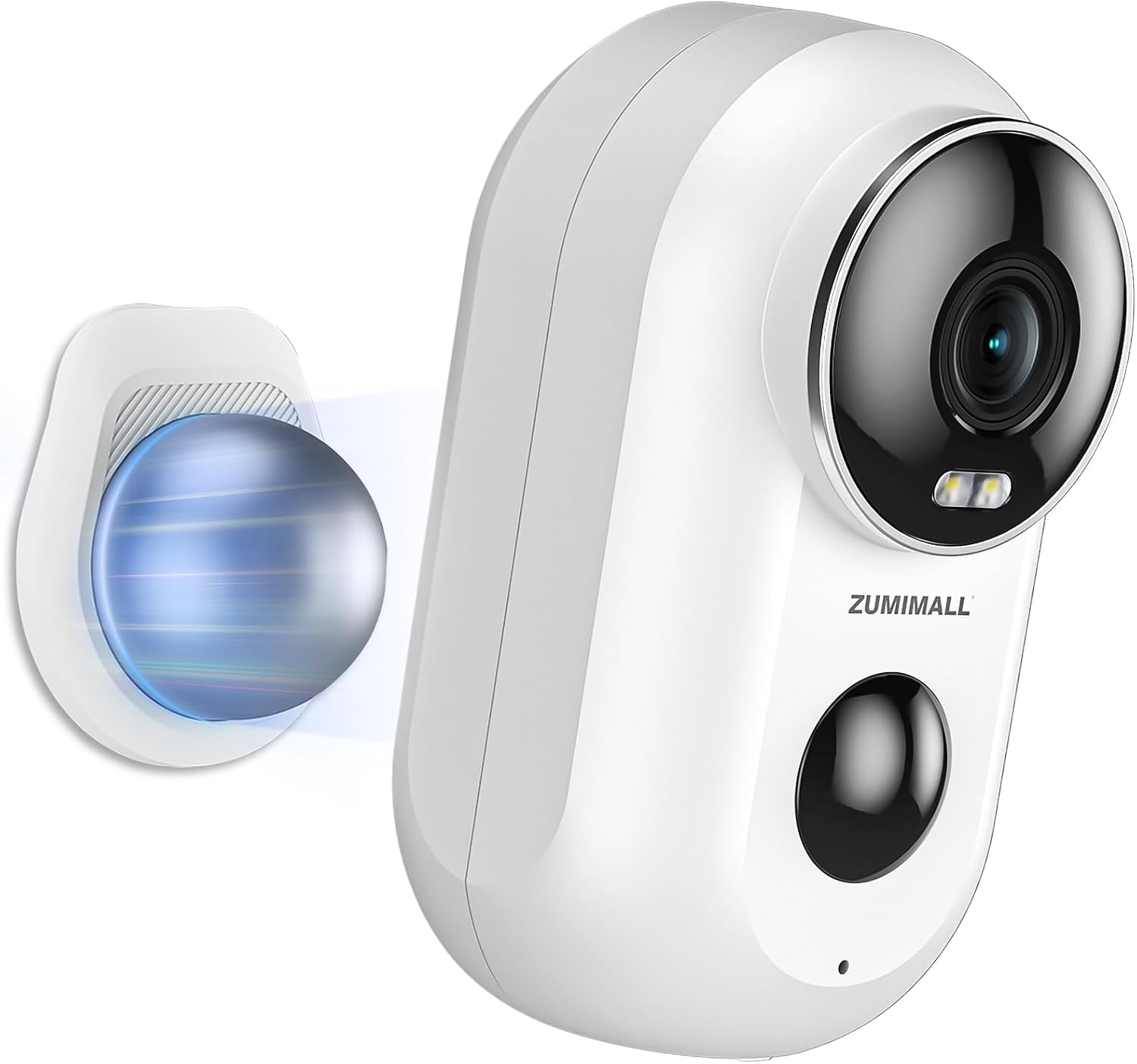
Key specs: 2K battery camera with a magnetic mount and no-drill installation; 130-degree view; color night vision; AI detection; 2.4GHz Wi-Fi; indoor or outdoor use
The magnetic mount is the whole point. It sticks to any steel surface and repositions in seconds, which makes this the camera to buy if you rent, if you are covering a spot temporarily, or if you simply do not want to commit to a hole in the siding. That flexibility is also the security weakness: what lifts off in seconds for you lifts off in seconds for somebody else, so mount it high or somewhere awkward to reach. It is 2K with color night vision and AI detection, runs on 2.4GHz Wi-Fi, and has one of the longest owner-feedback histories in this category. If you are furnishing a rental with security that leaves no trace, our no-drill renter guide covers the rest of the setup.
✅ Pros
- Magnetic no-drill mount — nothing to repair when you move out
- Repositions in seconds while you work out where the camera is actually needed
- Long owner-feedback history compared with most cameras in this price band
- Works indoors or out, so it moves with your needs
❌ Cons
- A magnetic mount is as easy for a thief to remove as for you to reposition
- 2.4GHz only, which limits throughput and can be crowded in an apartment block
- 130-degree view is narrower than the wide-angle picks here
- Needs a steel surface, or the included plate screwed up — which defeats the point
GMK 4-Camera Battery System — best for covering several spots
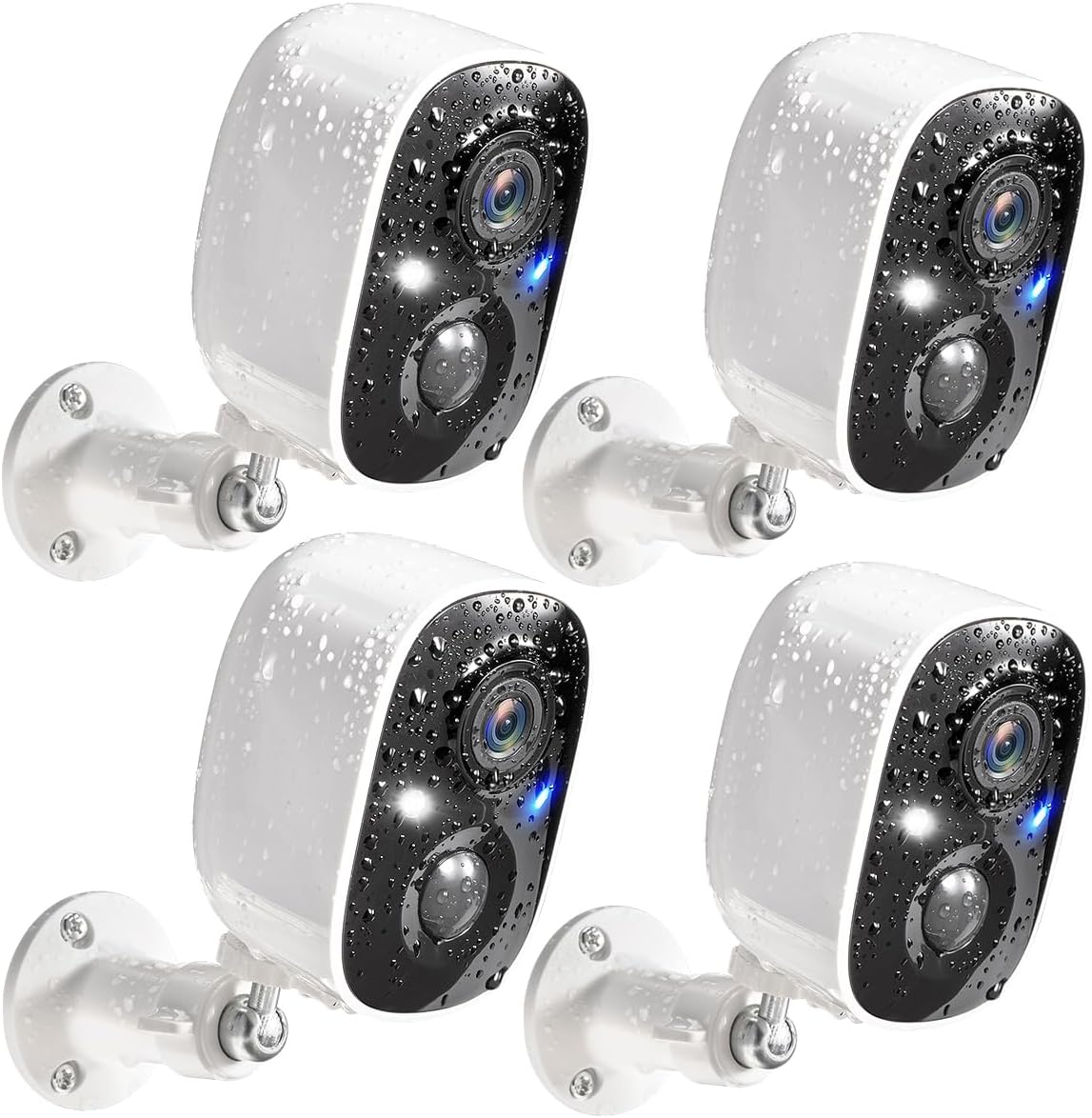
Key specs: Four-camera battery kit; 2K video; motion detection with color night vision; 2-way talk; IP65 rated; 2.4GHz Wi-Fi; microSD or cloud storage
Four cameras is the point at which a battery system stops being a doorbell substitute and starts being coverage — front, back, side approach and whichever outbuilding worries you. This kit is 2K with color night vision, 2-way talk and an IP65 housing, storing to card or cloud. Be realistic about the maintenance: four cameras is four recharge cycles, and the temptation is to let the least convenient one run flat and stay flat. The practical answer is to stagger them — charge two at a time so you are never fully blind — and to be ruthless about detection zones on the cameras facing anything that moves regularly.
✅ Pros
- Four cameras covers a whole small property in one purchase
- 2K with color night vision and 2-way talk across the set
- IP65 housings and card-or-cloud storage per camera
- Cheaper per camera than buying four singles
❌ Cons
- Four batteries to keep on top of, and the awkward one always gets forgotten
- Lesser-known brand — buy on specification, not reputation
- 2.4GHz Wi-Fi has to reach all four positions, not just the easy one
- No hub, so each camera is its own point of failure
Cold Weather Is the Variable Nobody Budgets For
If you live somewhere with a real winter, this section matters more than the resolution comparison. Battery chemistry does not care about your camera’s marketing.
TrailCamPro ran a controlled capacity test on AA cells at room temperature and again in a freezer at 5 degrees Fahrenheit under a constant load. Alkaline cells were hit hard: only about 33 percent of their room-temperature capacity remained available at 5 degrees, with measured capacity falling from 2,181 mAh to 728 mAh. Lithium cells were not significantly affected by the same temperature, and rechargeable NiMH cells were only moderately affected. The company also notes the practical symptom: cameras running alkaline cells stopping through the coldest part of winter and starting again in spring — because the lost capacity comes back when the cells warm up.
Two conclusions follow for anyone buying a battery camera in a cold climate. If your camera takes replaceable cells, use lithium ones through the winter, not alkaline. If it has a built-in rechargeable pack, expect the interval between charges to shorten markedly in winter — TP-Link states plainly that battery life may get shorter if the temperature is too low, and rates its battery cameras for operation down to about minus 4 degrees Fahrenheit. That is an operating floor, not a performance promise.
Cold-Climate Setup vs Mild-Climate Setup
❄️ Below freezing for weeks at a time
- Lithium cells in anything that takes replaceable batteries
- Expect noticeably shorter intervals between recharges
- Mount somewhere you can actually reach in ice and snow
- Consider mains power for the one position that matters most
☀️ Mild winters, occasional frost
- Standard rechargeable packs are fine year round
- Solar stays viable, with a dip through the shortest days
- Sensitivity and aim matter far more than chemistry
- One charge cycle per season is a realistic target
The Coverage Gap Nobody Advertises
Every battery camera makes the same bargain, and no listing spells it out: to save power, the camera sleeps until something wakes it. That means it is not recording continuously — it is recording episodes, with gaps between them.
In practice this shows up three ways. The first frames of an event can be missing, because the camera had to wake before it started writing. Two events close together may merge or the second may be skipped, depending on the retrigger interval you set. And something that moves through the frame slowly, or at the edge of the sensor’s range, may not trip the sensor at all. None of that makes battery cameras a bad choice — they are the only choice in most of the places people want a camera — but it does mean they are evidence-gathering devices rather than continuous surveillance.
If you need genuinely continuous recording — a business entrance, a till, a bar area — the honest answer is a wired camera on a recorder, not a better battery. Our business camera guide covers that case, and the eufy lineup is a good example of hardware that spans both approaches within one ecosystem.
Final Recommendation
Start with the aosu 2K Battery Camera 2-Cam Kit. Two cameras is the difference between watching one door and watching your property, the wide field of view means each camera does more work, and local storage with no subscription keeps the running cost at nothing. Set both to a lower wake-up sensitivity and a longer retrigger interval on day one and you will be recharging a couple of times a year rather than monthly.
Three situations change the answer. If you want the longest possible gap between recharges and can live with 1080p, the Tapo C403’s published 180-day rating and free person detection make it the better single camera. If you rent, the magnetic-mount camera is worth the security tradeoff because the alternative is no camera at all. And if you have four positions that genuinely need covering, the four-camera kit costs less per camera than buying singles — as long as you go in knowing you have signed up for four recharge cycles.
Whatever you pick, spend five minutes on aim before you spend anything on accessories. Pointing a camera away from a busy street does more for battery life than any setting in the app, and in a cold climate, putting lithium cells in anything that takes them is the cheapest upgrade available.
SafeBode does not yet run an in-house product testing program. This guide is built from manufacturer specifications, official support documentation, current retail listings and verified buyer feedback rather than hands-on testing, and we say so plainly rather than implying testing we have not done.
Frequently Asked Questions
How long do battery security cameras really last on a charge?
Anywhere from a few weeks to most of a year, driven almost entirely by how often the camera wakes up. Manufacturer figures assume a quiet position with modest sensitivity. A camera watching a busy street or a tree line will land at the short end no matter whose badge is on it.
Does cold weather really drain the battery faster?
Yes, and the effect is large. Controlled testing of AA cells found alkaline capacity dropping to roughly a third of its room-temperature value at 5 degrees Fahrenheit, while lithium cells were barely affected. Built-in rechargeable packs also give shorter intervals in winter.
Can I leave a battery camera plugged in permanently?
Many of them accept a charging cable as a permanent power source, which effectively turns them into wired cameras. Check the specific model, because a few are designed for periodic charging rather than continuous power, and running an outdoor cable needs a weatherproof route.
Do battery cameras record continuously?
No. They sleep and wake on detection, which is what makes the battery last. You get clips around events rather than an unbroken timeline, and the first moment of an event can be missing while the camera wakes.
Is a solar panel worth adding?
In a position with several hours of real sun, yes — it can turn a camera you recharge into one you forget about. Under trees, on a north-facing wall or through a northern winter, a panel buys much less than the listing implies.
Do these cameras need a subscription?
Not for basic recording, on the models here. Each records to a memory card, with a cloud plan offered as an optional extra. Some brands do put person detection behind a plan, so check that specific feature rather than assuming.
What happens when the WiFi drops?
Behavior varies. Cameras with a card usually keep recording locally and catch up on notifications later; cameras without local storage effectively stop. This is one more reason to insist on a card slot.
Can I use rechargeable AA cells in a camera that takes replaceable batteries?
Sometimes, but check the manufacturer’s guidance first. Rechargeable NiMH cells output a lower voltage than the alkaline or lithium cells these cameras are designed around, which can trigger low-battery warnings well before the cells are actually flat.
Sources
Show sources (3)
- [1] TP-Link Tapo — “How to extend the battery life of Tapo Camera/Doorbell,” tapo.com/us/faq/315
- [2] TP-Link — “Tapo C403 Outdoor Wireless Security Camera” product specifications, tp-link.com/us/home-networking/cloud-camera/tapo-c403
- [3] TrailCamPro — “Alkaline Battery Capacity Test (Cold Weather & High Current),” trailcampro.com/pages/cold-weather-battery-test


