Best Arlo Cameras 2026: Which Model Fits, and the Storage Catch
Affiliate Disclosure: This article contains affiliate links. If you buy through these links, we may earn a commission at no extra cost to you. Our editorial opinions are our own and are not influenced by affiliate relationships. Read our full disclosure policy →
Contents
Quick Answer
Buy the Arlo Pro 2K HDR (6th Gen) if you want Arlo’s best all-round outdoor camera, or the Essential Battery 2K 2-pack for most of the quality at a much lower entry price. Pick the Essential Outdoor PTZ when one camera must cover a wide area, and the Wired Floodlight where light and deterrence matter more than placement freedom. One caveat first: Arlo cameras have no storage inside them.
The Thing Arlo Buyers Miss
Arlo makes genuinely good cameras. It also has the storage model most likely to surprise you after you have already mounted them, so it is worth being blunt about it before anything else.
Arlo cameras do not have a microSD slot. There is no card in the camera and no onboard recording. To record locally at all, you need an Arlo SmartHub or Base Station, and you insert a microSD card or USB device into that. Most Arlo camera kits sold on Amazon do not include a hub, so out of the box a new Arlo setup is a cloud setup.
The good news, and this is more generous than people assume: local storage itself does not require a subscription. Once you have the hub, you can record locally without paying monthly. Arlo’s Direct Storage Access feature even lets you view those recordings in the app without pulling the card out, and footage saved that way never touches Arlo’s cloud.
What the hub requirement does mean is a second purchase. Arlo’s own setup guidance lists what you need: a SmartHub or Base Station with a USB port, plus a USB drive of at least 16GB. That is a real line item to budget for, and it is the part most Amazon camera bundles leave out.
Arlo Storage: What You Actually Get
✅ Works without a subscription
- Local recording to microSD or USB — but only via a SmartHub or Base Station
- Direct Storage Access: view local clips in the app without removing the card
- Footage stored this way never reaches Arlo’s cloud
- Live view and motion notifications
❌ Needs a subscription (or a hub you don’t have yet)
- Any local recording at all if you own no hub — the cameras have no card slot
- Viewing recordings from a web browser
- Granting a friend or family account access to recordings
- Cloud backup of events
Arlo vs. the Other Two Big DIY Brands
Arlo
no card slot — hub required for local
Wyze
microSD slot in the camera itself
Blink
local via Sync Module 2 or XR
Cost
the hub is the hidden line item
This is the single biggest practical difference between Arlo and the cheaper DIY brands, and it is the reason an Arlo setup often costs more than the camera price suggests.
None of this makes Arlo a bad buy. Its hardware, app and detection are consistently rated among the best in the category by independent reviewers. It just means you should decide the storage question before you order, not after. If a monthly fee is the thing you are trying to avoid entirely, our Wyze camera guide and our Blink camera guide both cover brands where local recording is built into the camera.
The Four Arlo Cameras Compared
| Camera | Best for | Resolution | Power | Coverage |
|---|
| Arlo Pro 2K HDR (6th Gen) | Best all-round | 2K HDR | Rechargeable battery | Fixed, wide |
| Essential Battery 2K (3rd Gen) | Best value | 2K | Battery | Fixed |
| Essential Outdoor PTZ 2K | Widest area per camera | 2K | Mains wired | 360° pan, 180° tilt |
| Wired Floodlight 2K HDR | Deterrence | 2K HDR | Mains wired | Fixed + floodlight |
Arlo Pro 2K HDR (6th Gen), 4-Camera System — Best Overall
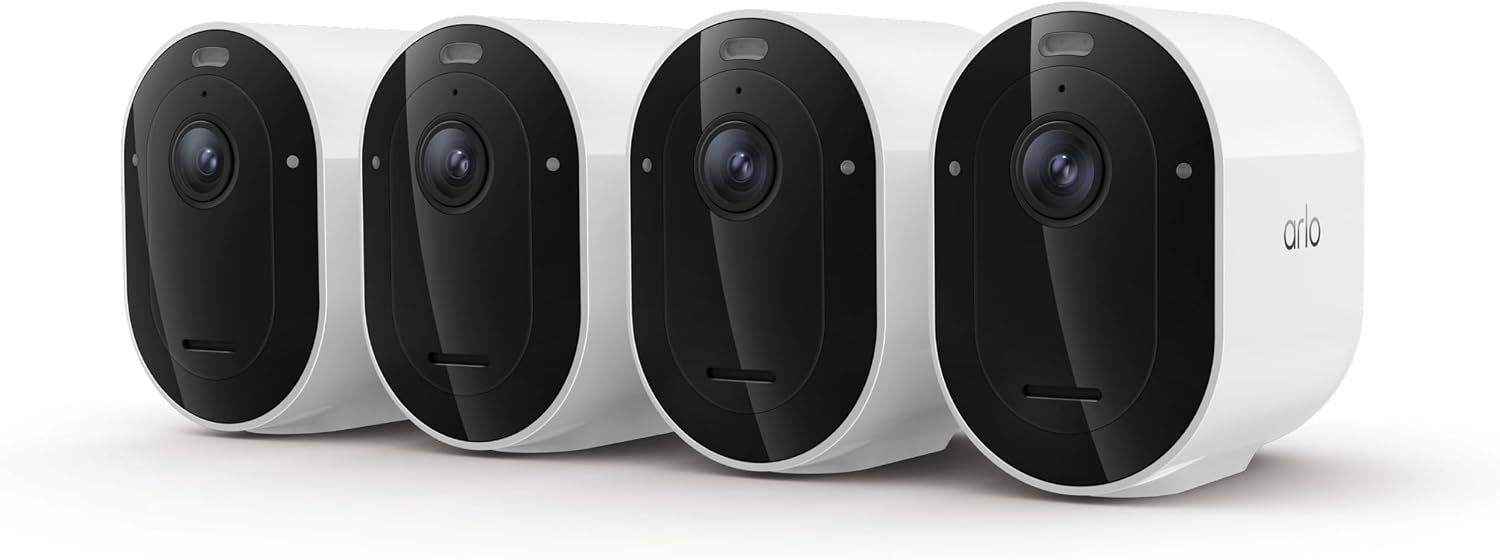
Key specs: 2K HDR · wire-free outdoor · rechargeable removable battery · AI detection · Emergency Response
This is the Arlo to buy if you want the brand at its best. 2K HDR is a real step up in usable detail over 1080p, particularly against a bright sky where standard cameras blow out the highlights and lose the face you actually wanted. The battery is rechargeable and removable, which matters more than it sounds: you can swap in a charged pack and put the camera straight back up instead of leaving a gap in your coverage while it charges. The four-camera bundle covers front, back and two sides in a single purchase, and it carries Amazon’s Choice status in its category.
✅ Pros
- 2K HDR handles bright backlight far better than 1080p
- Removable battery — swap instead of waiting for a recharge
- Four cameras covers a whole house in one purchase
- Arlo’s strongest AI detection and app experience
❌ Cons
- No onboard storage — needs a SmartHub or Base Station for local recording
- The most expensive pick here by a wide margin
- Battery life falls sharply in cold weather and busy scenes
- Best features are tied into the Arlo Secure ecosystem
Arlo Essential Battery 2K (3rd Gen), 2-Pack — Best Value
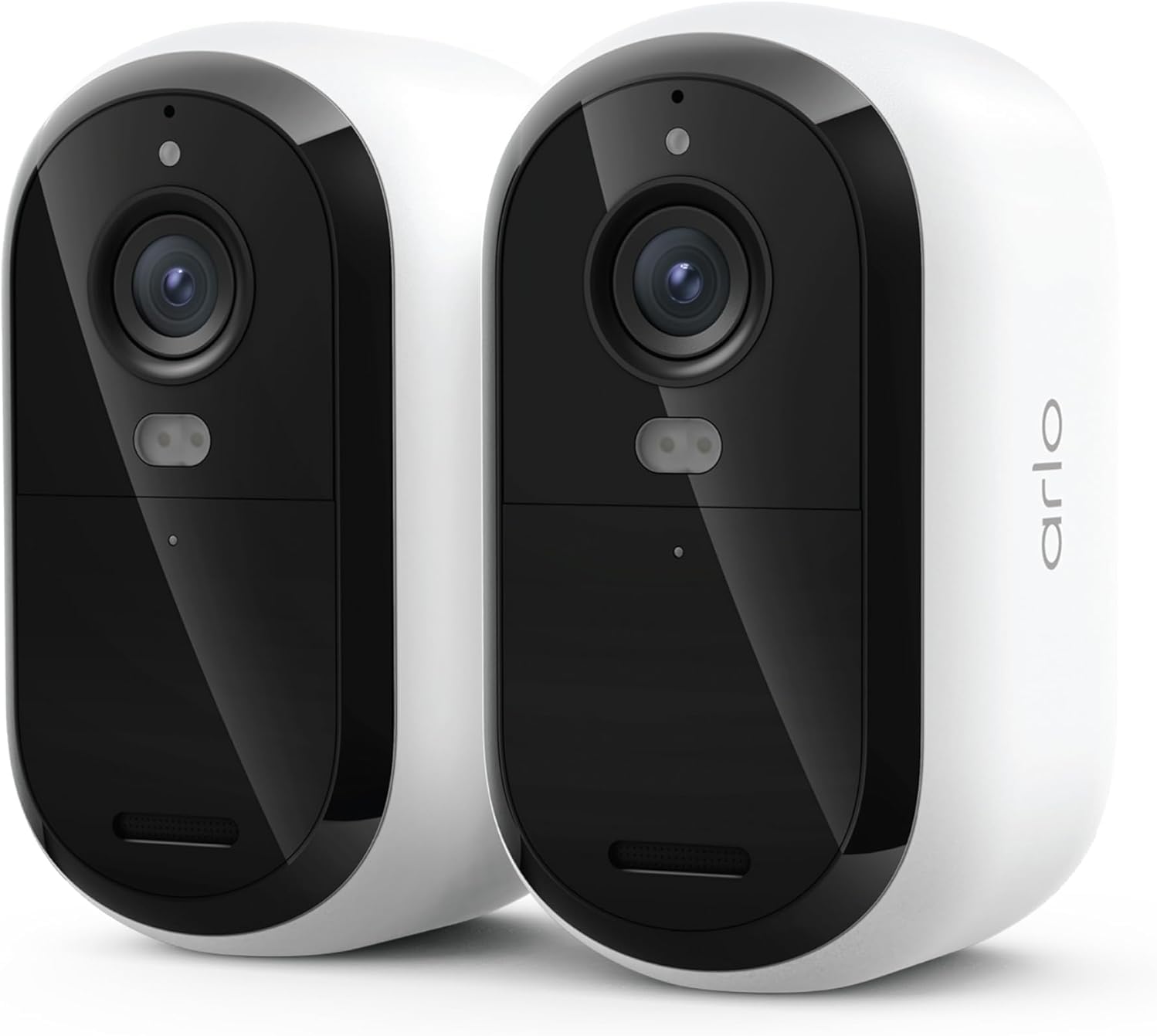
Key specs: 2K · battery powered · color night vision · person, package, vehicle and animal detection
The Essential line is where most people should actually start. You still get 2K, color night vision and Arlo’s person, package, vehicle and animal detection — the detection quality is the main reason to choose Arlo over a budget brand, and it is not cut down here. What you give up against the Pro is HDR and some battery refinement. For a front door and a back door, this two-pack does the job at a fraction of the flagship price, and it is the pick that makes Arlo competitive on cost rather than just on quality. Whichever Arlo you buy, the plan decides more of the experience than the hardware does — our Arlo Secure subscription guide sets out what the free tier, Plus and Premium each unlock.
✅ Pros
- 2K with color night vision at a much lower entry price
- Full person, package, vehicle and animal detection
- Battery powered — mount anywhere, no wiring
- Two cameras covers the two doors that matter most
❌ Cons
- No HDR, so bright backlit scenes are weaker than the Pro
- Same no-onboard-storage limitation as every Arlo
- Battery rather than mains means periodic recharging
- Smaller review base than long-established models
Arlo Essential Outdoor Pan Tilt Zoom 2K, 2-Cam — Best Coverage From One Camera
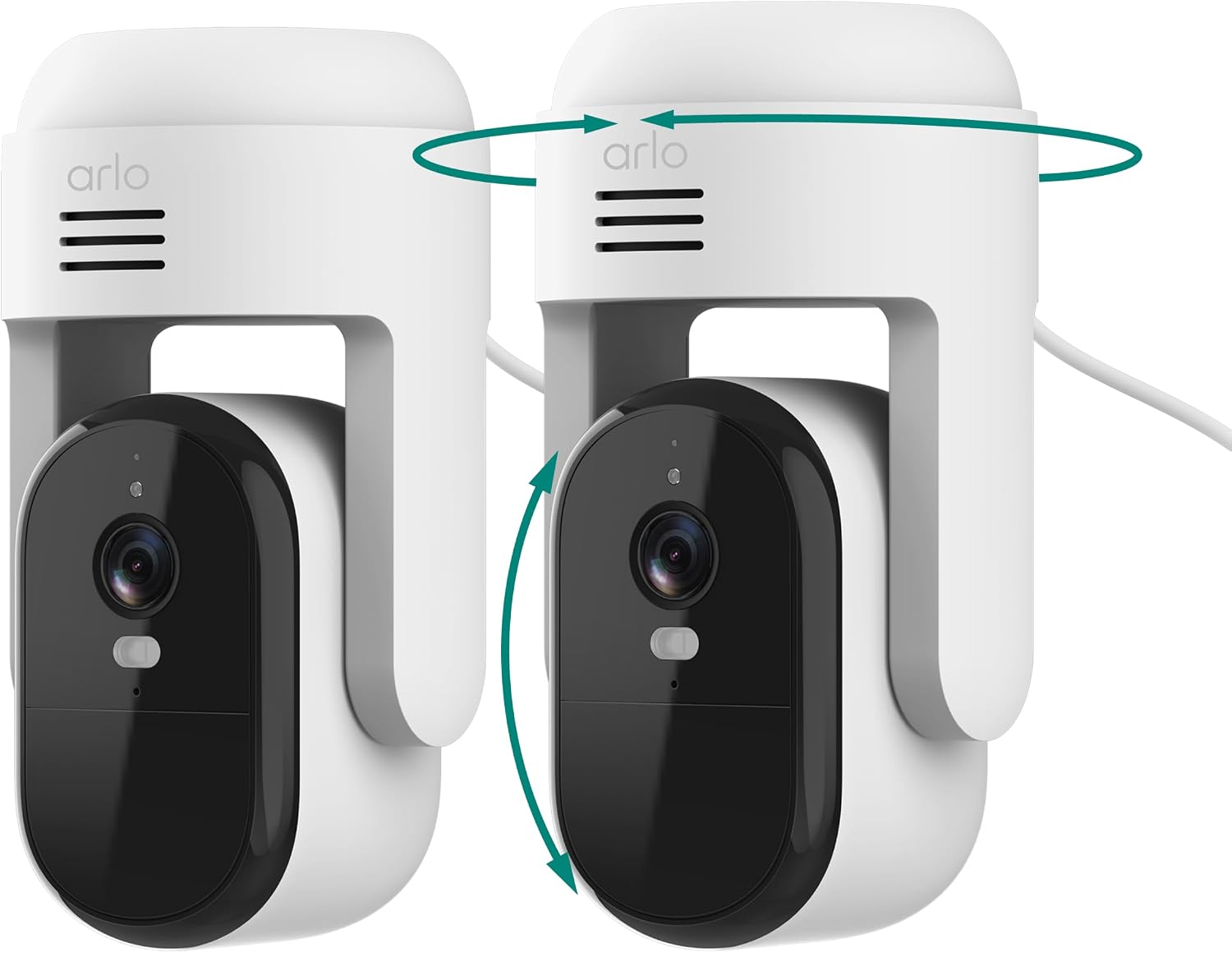
Key specs: 360° pan · 180° tilt · mains wired · auto motion tracking · outdoor rated
A fixed camera watches a rectangle. This one watches a whole area — 360 degrees of pan and 180 of tilt, with automatic motion tracking that follows a moving subject rather than waiting for it to cross a fixed frame. For a driveway, a yard or any open space where you would otherwise buy two or three cameras, one PTZ is often the better answer. It is mains wired, which removes battery management entirely and is why it can afford to move as much as it does.
✅ Pros
- 360° pan and 180° tilt covers an area, not a rectangle
- Automatic motion tracking follows the subject
- Mains wired — no battery to manage, ever
- Often replaces two or three fixed cameras
❌ Cons
- Needs a power run to the mounting position
- Moving parts are a long-term wear point
- While it faces one direction, it is not watching the other
- Tracking can be triggered by pets or moving branches
Arlo Wired Floodlight Camera 2K HDR — Best Deterrence
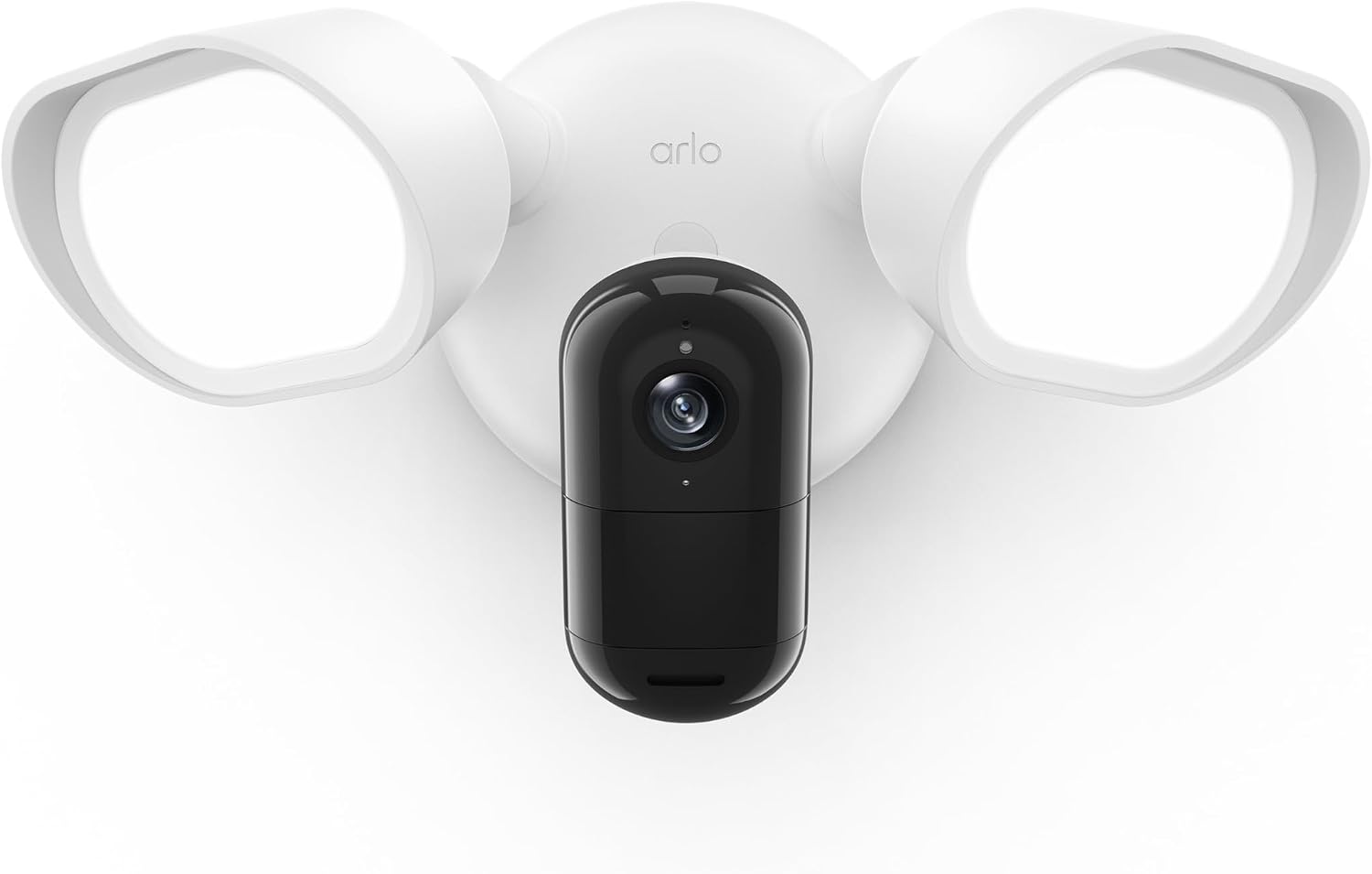
Key specs: 2K HDR · mains wired · integrated floodlight · color night vision
Recording an intruder is useful after the fact. A bright floodlight snapping on as someone approaches is a deterrent in the moment, and for dark side passages, unlit driveways and back gates that difference is the entire point. This is 2K HDR like the flagship, mains wired so the light can trigger as often as needed without draining anything, and it gives you color night footage rather than the gray infrared most cameras fall back on. The trade-off is that it goes where your wiring goes.
✅ Pros
- Integrated floodlight adds active deterrence, not just recording
- 2K HDR, matching Arlo’s flagship resolution
- Mains wired — unlimited light triggers, no battery
- Color night vision instead of gray infrared
❌ Cons
- Requires existing outdoor wiring at the mount point
- Fixed position once installed
- Not an option in most rentals
- Still no onboard storage
Battery or Wired?
Arlo’s range splits cleanly down this line, and it is the second decision to make after storage. Battery cameras go anywhere — that freedom is the whole reason wire-free cameras exist, and for renters or awkward mounting positions it is decisive. The cost is recharging, and how often depends far more on how much motion the camera sees than on the battery rating.
Mains-wired cameras remove that maintenance completely and are the better choice for any position that sees constant traffic — a busy sidewalk-facing front, a driveway on a through road — where a battery camera will drain fastest precisely because it is doing its job. Both PTZ and floodlight models here are wired for exactly that reason. If you are deciding where cameras should go before deciding which to buy, our room-by-room placement guide works through the priority order. If a battery Arlo keeps recording birds and draining itself, our guide to why cameras record birds covers the fix.
Who Arlo Is and Isn’t For
An Honest Fit Check
✅ Arlo suits you if
- You want the best detection accuracy in the DIY tier
- You are willing to buy a hub, or are happy with cloud
- You want wire-free flexibility with strong hardware
- You value a polished app over the lowest price
❌ Look elsewhere if
- You want local recording with no extra hardware
- You want the cheapest possible per-camera cost
- You want a full alarm system with entry sensors
- You want 24/7 continuous recording rather than clips
That last exclusion is worth stating plainly: Arlo records events, not a continuous stream. If you specifically want round-the-clock footage, a wired system with a recorder is a fundamentally better fit, and our wireless camera systems guide covers those. If you want cameras and door and window sensors under one system, our DIY alarm systems guide is the better starting point.
Final Recommendation
Start with the Essential Battery 2K 2-pack unless you have a specific reason not to. It carries the detection quality that justifies buying Arlo in the first place, at a price that does not assume you are committing to the whole ecosystem. Move up to the Arlo Pro 2K HDR if you need HDR for backlit scenes or want four cameras in one go.
Add the Essential Outdoor PTZ for any open area where a fixed frame wastes coverage, and the Wired Floodlight at your darkest approach. Whichever you pick, decide the storage question first: budget for a SmartHub if you want local recording, or accept that Arlo will be a cloud setup. That decision costs nothing to make now and is annoying to reverse once four cameras are already on the wall.
Frequently Asked Questions
Do Arlo cameras have a microSD card slot?
No. Arlo cameras have no onboard storage. To record locally you need an Arlo SmartHub or Base Station and you insert a microSD card or USB device into that instead. Most Arlo kits sold on Amazon do not include a hub.
Can Arlo cameras work without a subscription?
Yes, with caveats. Local recording via a SmartHub or Base Station does not require a subscription. You still get live view and motion notifications. What you lose without a plan is browser access to recordings and the ability to give a friend or family account access to them.
What is Arlo Direct Storage Access?
It lets you view recordings saved on your hub’s microSD card or USB device through the Arlo app without physically removing the card. Footage stored this way never touches Arlo’s cloud.
Is the Arlo Pro worth it over the Essential?
The main gain is HDR, which matters most on cameras pointed at bright or backlit scenes — a doorway with sky behind it, for example, where standard cameras lose the face. If your cameras cover evenly lit areas, the Essential’s 2K gets you most of the value for much less.
How long does an Arlo battery last?
It depends far more on traffic than on any headline figure. A camera watching a quiet backyard can go months; one facing a busy sidewalk, triggering constantly, drains dramatically faster. Cold weather also reduces capacity. The Pro’s removable battery helps here — you swap a charged pack in rather than taking the camera down.
Should I buy battery or wired Arlo cameras?
Battery for flexibility and rentals, wired for high-traffic positions. A camera that sees constant motion is exactly the one whose battery you will be recharging most, so mains power is worth the installation effort in those spots.
Does Arlo record 24/7?
Not in the standard configuration — Arlo is event-based, recording clips when motion is detected. Continuous recording is not what these cameras are built around. If round-the-clock footage is the requirement, a wired system with a dedicated recorder is a better fit.
Is Arlo better than Ring or Nest?
They optimise for different things. Arlo generally leads on camera hardware and detection breadth; Ring leads on doorbells and a wide accessory ecosystem; Nest leads on Google Home integration. The more useful question is usually which ecosystem you already own, since that determines how well everything works together day to day.
Sources
Show sources (4)
SafeBode does not yet run an in-house product testing program. This guide is built from manufacturer specifications, official support documentation, current retail listings and verified buyer feedback rather than hands-on testing, and we say so plainly rather than implying testing we have not done.


