Best Home Security Systems Without a Subscription 2026: What Free Costs You
Affiliate Disclosure: This article contains affiliate links. If you buy through these links, we may earn a commission at no extra cost to you. Our editorial opinions are our own and are not influenced by affiliate relationships. Read our full disclosure policy →
Contents
Quick Answer
A subscription-free system is a real option, but the phrase hides a swap rather than a saving: you are taking over the monitoring job yourself. Security.org puts it plainly — self-monitoring means you, not a monitoring center, are responsible for responding to alerts. For most homes the sensible no-fee setup is an alarm kit for entry detection plus a locally recording camera system for evidence, which is why the tolviviov 12-piece alarm and the Reolink PoE camera system are the two picks here that do the most work. Check one thing before you buy any brand: several put cellular backup, video recording and even smart home control behind a paid tier.
What Going Without a Plan Costs You
The money saved is obvious and real. What it buys is worth understanding before you decide the trade is a good one, because the marketing rarely spells it out.
Security.org’s summary of the drawbacks is the clearest available: missed alerts if your phone is off, silenced or out of signal; no automatic emergency dispatch, because you have to call 911 yourself; the added pressure of assessing a threat in an already stressful moment; and dependence on your internet connection, since most unmonitored setups lack cellular backup. SafeHome makes the same point about connectivity from the other direction — self-monitored systems rely on broadband to send alerts, which is less reliable than the cellular backup most professionally monitored systems include.
Set against that, the case for going without a plan is genuinely strong for some households. There is no contract to exit, nothing to cancel when you move, and — as SafeHome notes — nobody else watching your footage. If you are usually reachable, if you travel rarely, and if your goal is deterrence and evidence rather than dispatch, self-monitoring covers most of what you actually wanted.
Self-Monitoring Works For You If…
✅ A no-fee system fits
- You keep your phone on you and check alerts promptly
- You want deterrence and recorded evidence, not dispatch
- You move often, or rent, and want nothing to cancel
- Neighbors or family are nearby and can check on the house
❌ Pay for monitoring instead
- You travel for long stretches, or sleep through phone alerts
- Someone in the household cannot respond to an alarm themselves
- You want cellular backup so an internet outage does not blind the system
- Your insurer offers a discount that offsets much of the monthly cost
The dispatch question deserves more thought than it usually gets, and not in the direction you would expect. A monitored system does not guarantee that police arrive — our guide to verified response policies covers the cities where dispatch now requires video or eyewitness confirmation. If you live somewhere with a verified-response policy, a camera system you own outright may be closer to what actually gets a response than a sensor-only alarm with a monthly bill attached. For the opposite model — cameras designed around a cloud plan — our Arlo Secure tier guide shows exactly what the monthly fee buys.
Two Different Things Get Called a “System”
Search for a subscription-free system and you get two categories mixed together. They solve different problems and buying the wrong one is the most common mistake in this category.
| Alarm kit | Camera system |
|---|
| What it does | Detects entry and makes noise | Records what happened, and who |
| What it gives you | Immediate deterrence at the moment of entry | Evidence afterwards, and live view any time |
| Ongoing cost with no plan | None — the siren and app alerts are hardware functions | None, if it records to a local drive or card |
| Weak point | Tells you something happened, not what or who | Does not stop anything, and nobody is watching the feed |
| Best used | On doors and windows, armed when you are out or asleep | At entry points and approaches, recording continuously |
Most people who are happy with a no-fee setup ended up with both: sensors that make noise, and cameras that record locally. The two together cover deterrence and evidence, which is the whole job minus dispatch. For the wider decision about which to start with, our alarm-versus-cameras decision guide walks through it dimension by dimension, and the DIY alarm systems guide covers the kits that do offer optional monitoring if you later change your mind.
tolviviov 12-Piece WiFi Alarm Kit — best no-fee alarm
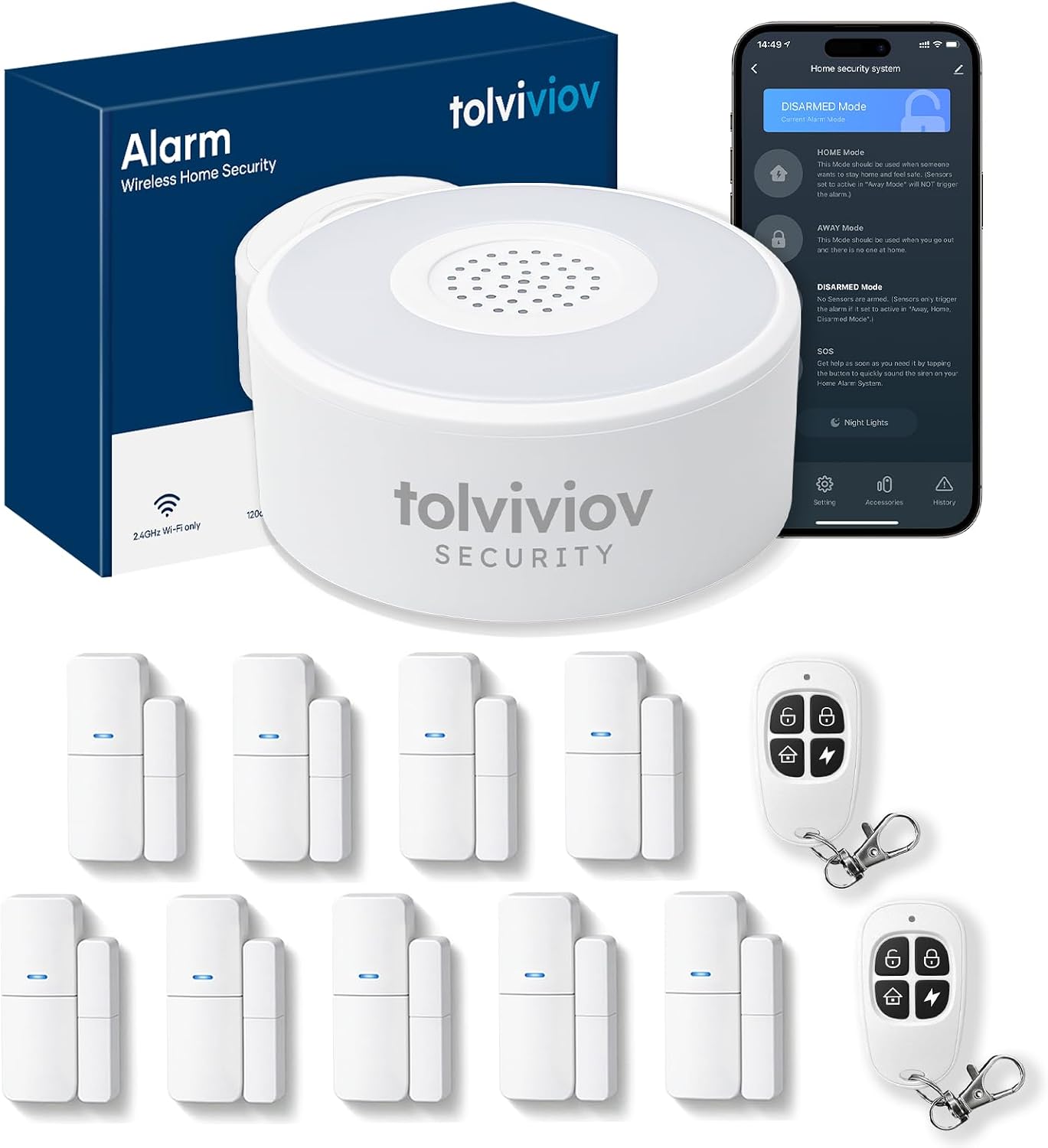
Key specs: 12-piece wireless alarm kit with door and window sensors; 120 dB siren; 8-hour backup battery; real-time app alerts; DIY installation with no subscription
This is the straightforward answer for entry detection with nothing to pay. Twelve pieces gives you a hub, a set of door and window sensors and the accessories to arm and disarm, with a 120 dB siren doing the actual deterrence work and app alerts telling you it fired. The specification line that matters most is the least glamorous: an 8-hour backup battery, so cutting the power does not simply switch the system off. It has one of the larger owner-feedback histories in the no-fee category, which counts for something in a segment full of six-month-old brands. Be clear about what it is not — there is no monitoring center behind it, so an alert that arrives while your phone is silenced is an alert nobody acts on.
✅ Pros
- No subscription for the siren, the sensors or the app alerts
- 120 dB siren is loud enough to be the deterrent, not just a notification
- 8-hour backup battery keeps it alive through a power cut
- Expandable — add sensors as you find gaps rather than buying a bigger kit
❌ Cons
- Alerts go to you and nobody else, with all that implies
- Wi-Fi dependent, with no cellular backup on the base kit
- Sensors tell you a door opened, not who opened it — pair it with a camera
- Lesser-known brand, so buy on the specification and the review base rather than the name
Reolink RLK8-520D4 PoE Camera System — best no-fee camera system
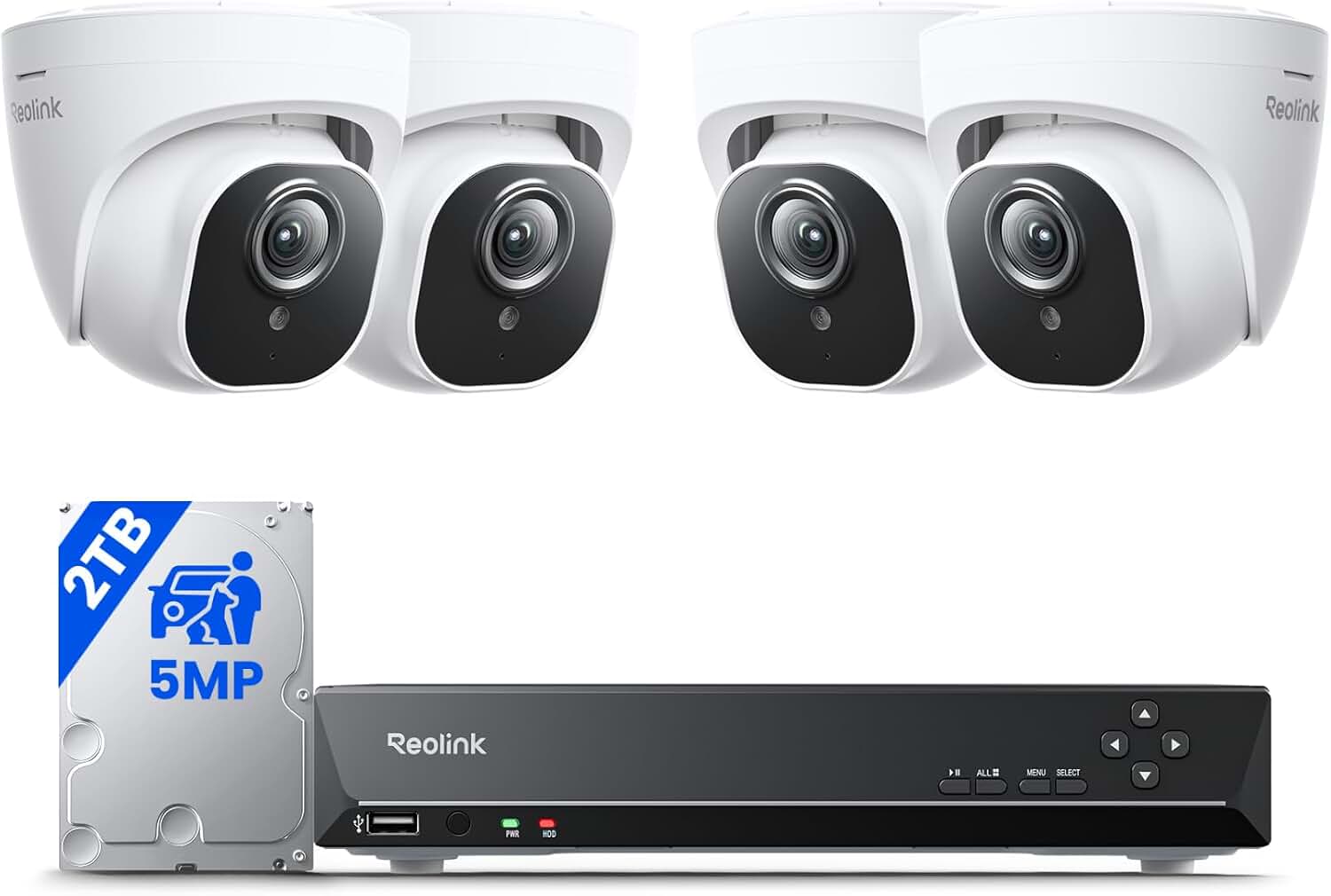
Key specs: 8-channel NVR with a 2TB drive and four 5MP wired Power over Ethernet cameras; person, pet and vehicle detection; continuous 24/7 recording to the local drive
If the goal is genuinely zero ongoing cost with real coverage, this is the strongest hardware here. Four wired Power over Ethernet cameras run one cable each for power and data back to an 8-channel recorder with a 2TB drive, recording continuously rather than in clips. Reolink is explicit that once you own the hardware you can record, view and manage footage with no ongoing monthly fees, keeping cloud storage as an optional extra. Continuous recording is the feature that separates this from every battery camera: there are no gaps between events, which is exactly what you want when you are the one reviewing the footage. The cost is installation — four cable runs is a real afternoon, or a paid installer. Our wireless camera system guide covers the lower-effort alternatives if that is a dealbreaker.
✅ Pros
- Continuous 24/7 recording to a 2TB drive you own
- One cable per camera carries power and data — no batteries, no Wi-Fi dependency
- Person, pet and vehicle detection built into the recorder
- Reolink states recording, viewing and management involve no monthly fee
❌ Cons
- Four Ethernet runs is the most installation work of anything here
- A stolen recorder takes the footage with it — that is the local-storage tradeoff
- Cameras are fixed once mounted, so aim carefully the first time
- No entry sensors — this records, it does not sound an alarm when a door opens
D1D9 24-Piece 4G and WiFi Alarm System — best with cellular dial-out
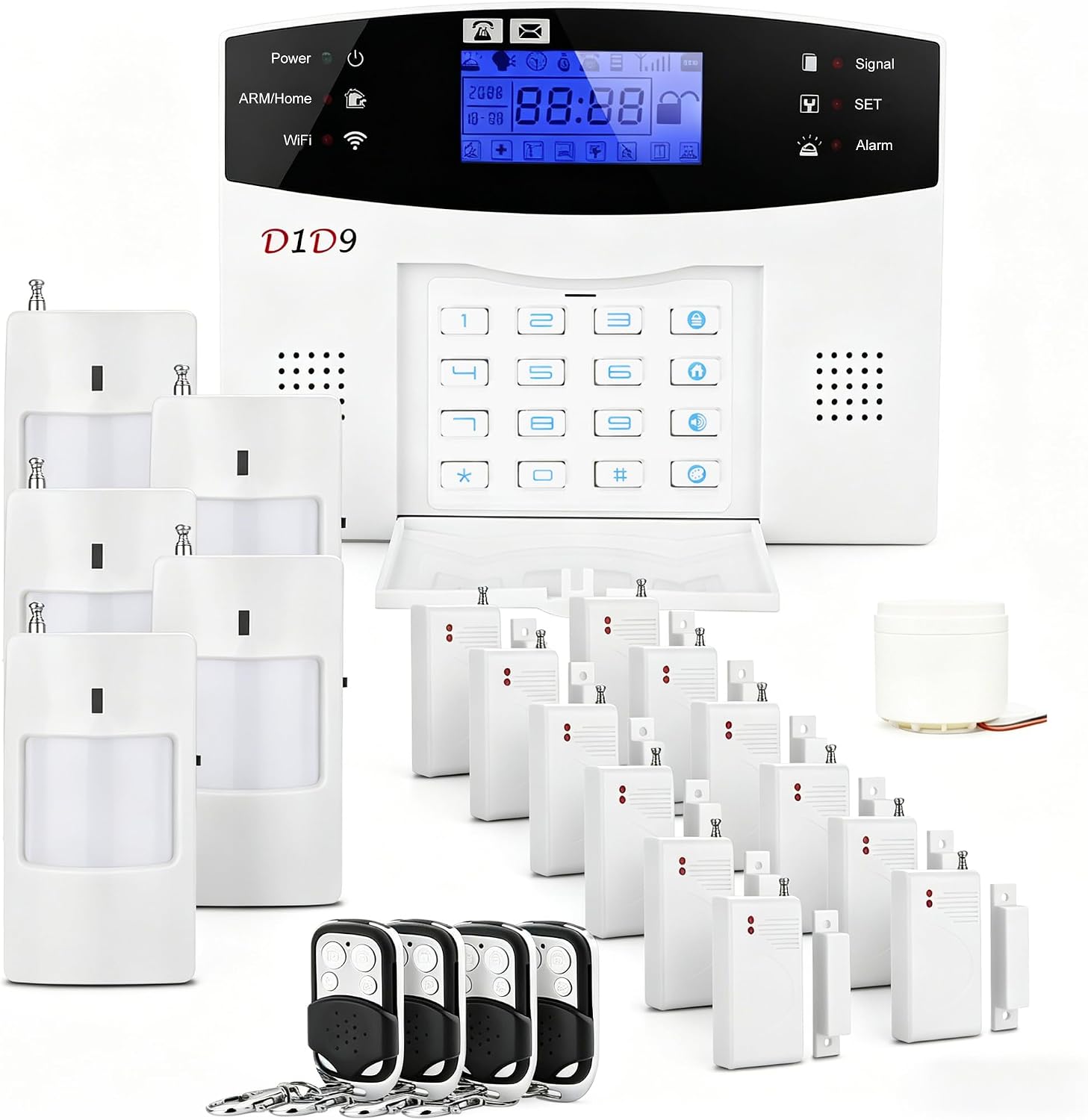
Key specs: 24-piece wireless burglar alarm kit with 4G and Wi-Fi connectivity; app alerts and automatic alarm dial-out; expandable sensor set; no monthly fee
This is the one that addresses the single biggest weakness of no-fee systems. Security.org notes that cellular backup usually requires a professional monitoring subscription, and SafeHome makes the same point about broadband-only alerting being the weak link. This kit sidesteps that by putting a 4G radio in the panel itself and dialing out to numbers you program, so a cut internet line or a router reboot does not silence your alerts. Twenty-four pieces is a lot of sensor coverage for the money. Two honest caveats: an auto-dialer calls you, not a monitoring center, so somebody still has to answer and decide what to do; and the SIM side means checking what airtime arrangement the kit expects before you rely on it. If you later want someone else answering that call, our guide to third-party alarm monitoring explains what a monitoring center actually does.
✅ Pros
- 4G dial-out means alerts survive an internet outage — rare at this price
- 24 pieces covers a whole house without a second purchase
- Works with app alerts as well as phone calls
- No contract and no monitoring fee for either path
❌ Cons
- The dial-out reaches you, not a monitoring center — you are still the responder
- Cellular side needs a SIM and airtime arrangement to actually work
- Interface and app are basic compared with the mainstream brands
- Large kits tempt over-installation; more sensors means more false alarms to tune out
OOSSXX 10-Channel NVR System with Monitor — best without an app
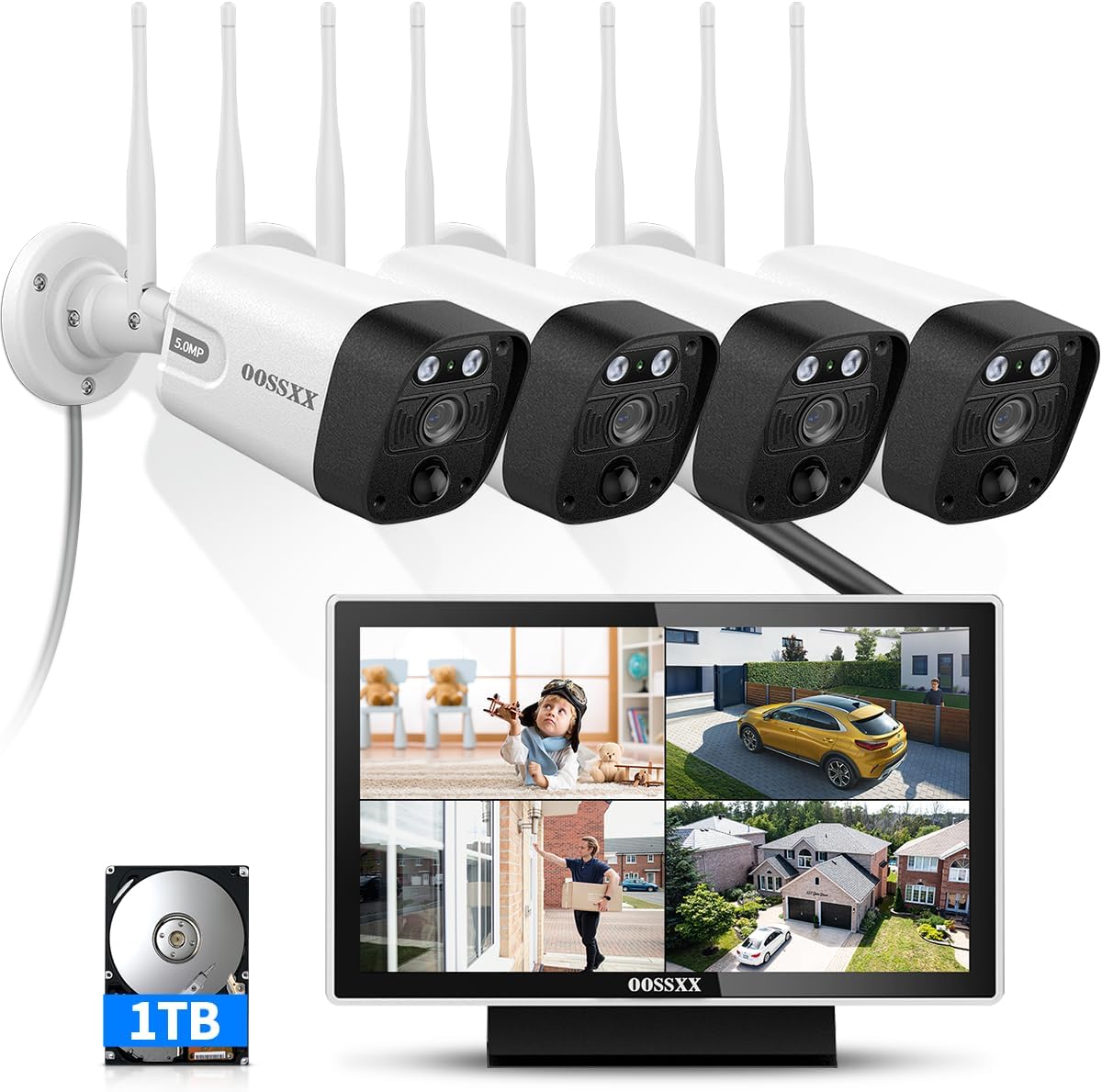
Key specs: 5MP wireless camera system with a built-in 10-inch monitor; 10-channel NVR and four Wi-Fi cameras; dual-band 2.4 and 5.8GHz; 1TB drive; IP66 cameras; no monthly fee
There is a whole category of buyer that every other guide ignores: people who do not want their security system on their phone at all. This system ships with a built-in 10-inch monitor, so the recorder is also the screen — you walk over and look, the way a security system worked before apps existed. Four 5MP Wi-Fi cameras record to a 1TB drive, dual-band radios help with range, and the cameras are IP66 rated. It is the right answer for an older relative’s house, a workshop, or anyone who finds phone notifications more stressful than useful. It still supports remote viewing if you want it later, but nothing about the system depends on you configuring an account or trusting a cloud service.
✅ Pros
- Built-in monitor — no phone, no app, no account required to use it
- Records to a local 1TB drive with nothing to pay
- Dual-band Wi-Fi cameras, which helps in homes where 2.4GHz is congested
- Genuinely suits households that dislike app-based systems
❌ Cons
- Wireless cameras still depend on signal reaching each position
- A monitor nobody is watching is not an alert — this is evidence, not notification
- 1TB fills faster than you expect at 5MP across four cameras
- Lesser-known brand with a modest review history
The Features Brands Quietly Put Behind a Plan
“No monthly fee” is a claim about the base product, not about the whole feature list. This is where buyers get caught, and it is worth checking on the specific brand before you order.
Security.org’s comparison of the leading no-fee options found smart home automation gated behind subscriptions on SimpliSafe’s and Abode’s free tiers, video event recording unavailable on SimpliSafe’s free tier, and cellular backup typically requiring a professional monitoring plan. SafeHome makes a similar observation about brands requiring a monthly plan to access smart functions such as Alexa and Google Home integration. None of that makes those systems bad — it makes the word “free” narrower than it sounds.
The brands that come out best on this test are the ones that put storage on hardware you own. Reolink states that footage can be recorded, viewed and managed with no ongoing fee, with cloud as an option, and TP-Link keeps Tapo Care as an add-on for cloud copies rather than a requirement for the camera to record. That is the pattern to look for: local storage included, cloud optional, detection not rented.
Check These Four Before You Believe “No Monthly Fee”
Recording
Does video record locally without a plan?
Detection
Is person or vehicle detection free, or rented?
Cellular
Backup usually needs a monitoring plan
Smart home
Alexa and Google links are gated on some brands
A system that fails two of these four is a subscription system with a free tier, not a subscription-free system.
One more cost people forget: false alarms. A self-monitored siren that goes off while you are out is a neighbor problem rather than a fine, but the moment you add any dispatch path the municipal rules apply. Our cost breakdown covers permit and false-alarm charges, and the guide to repeated false alarms covers stopping them at the source.
Final Recommendation
For most homes, buy the tolviviov 12-Piece WiFi Alarm Kit first. Entry detection with a loud siren and app alerts is the part of a security system that changes what happens during a break-in, and this is the version of it with nothing to pay and enough sensors to cover a normal house. Arm it when you are out and asleep, not just when you travel.
Add the Reolink PoE camera system when the budget allows, because that pairing — noise at the moment of entry, continuous recorded evidence afterwards — is what a monitored system gives you minus the dispatch, at zero ongoing cost. If your internet is unreliable, or if you want alerts that survive an outage, the 4G kit is the one that solves the specific weakness Security.org and SafeHome both identify in unmonitored systems. And if the household genuinely does not want an app involved, the monitor-equipped NVR system is a legitimate answer rather than a compromise.
Be honest with yourself about the one thing none of these buy. Nobody else is watching. If the answer to “who responds if I miss the alert” is nobody, a monthly plan may be worth more to you than the hardware savings — and if you are weighing that specific tradeoff, our SimpliSafe review covers what a mainstream monitored system actually includes at each tier.
SafeBode does not yet run an in-house product testing program. This guide is built from manufacturer specifications, official support documentation, current retail listings and verified buyer feedback rather than hands-on testing, and we say so plainly rather than implying testing we have not done.
Frequently Asked Questions
Can a home security system really work with no monthly fee?
Yes, for detection, deterrence and recording. Sirens, sensors, app alerts and local video recording are hardware functions. What a fee buys is a monitoring center that responds when you cannot, plus cloud storage and, on many brands, cellular backup.
What is the catch with self-monitoring?
You are the monitoring center. If your phone is off, silent or out of signal, the alert goes nowhere, and there is no automatic dispatch — you have to call emergency services yourself, from wherever you happen to be.
Do these systems still work if the internet goes down?
The siren does, because it is local. The alerts usually do not, since most no-fee systems send them over broadband. That is why a kit with a cellular radio in the panel is worth considering if outages are common where you live.
Is local video storage safe?
It is private, which is its main advantage — the footage is on your drive rather than a company’s servers. The risk is physical: a stolen or damaged recorder takes the footage with it, which is the one scenario an optional cloud plan genuinely covers.
Will a no-fee system get me an insurance discount?
Sometimes, but insurers typically offer their largest discounts for professionally monitored systems rather than self-monitored ones. Ask your insurer what they credit before assuming the hardware alone qualifies.
How many sensors do I actually need?
Cover the doors first, then ground-floor windows that are reachable and hidden from the street. Adding sensors to every opening in the house is how people end up with so many false alarms that they stop arming the system.
Can I add professional monitoring later?
On some brands, yes — the kit is the same and you switch on a plan. On others, particularly the smaller brands, monitoring is not offered at any price. If you think you might want it eventually, check before you buy rather than after.
Are cheap no-name alarm kits worth it?
The hardware is often fine for the money — a siren is a siren. What varies is app quality, firmware updates and how long the company will be around to support the product. Weigh the review base rather than the badge, and prefer kits whose core function works without the app.
Sources
Show sources (4)
- [1] Security.org — “Best No Monthly Fee Home Security Systems,” security.org/home-security-systems/best/unmonitored
- [2] SafeHome.org — “Best Self Monitored Home Security Systems,” safehome.org/security-systems/best/without-monitoring
- [3] Reolink — “Reolink Subscription Cost: Data & Cloud Plans,” reolink.com/blog/reolink-subscription-cost
- [4] TP-Link — “Tapo Care” subscription overview, tapo.com/us/tapocare


